


Change the calendar's first day of the week
Bounded TeamUpdated August 16, 2026
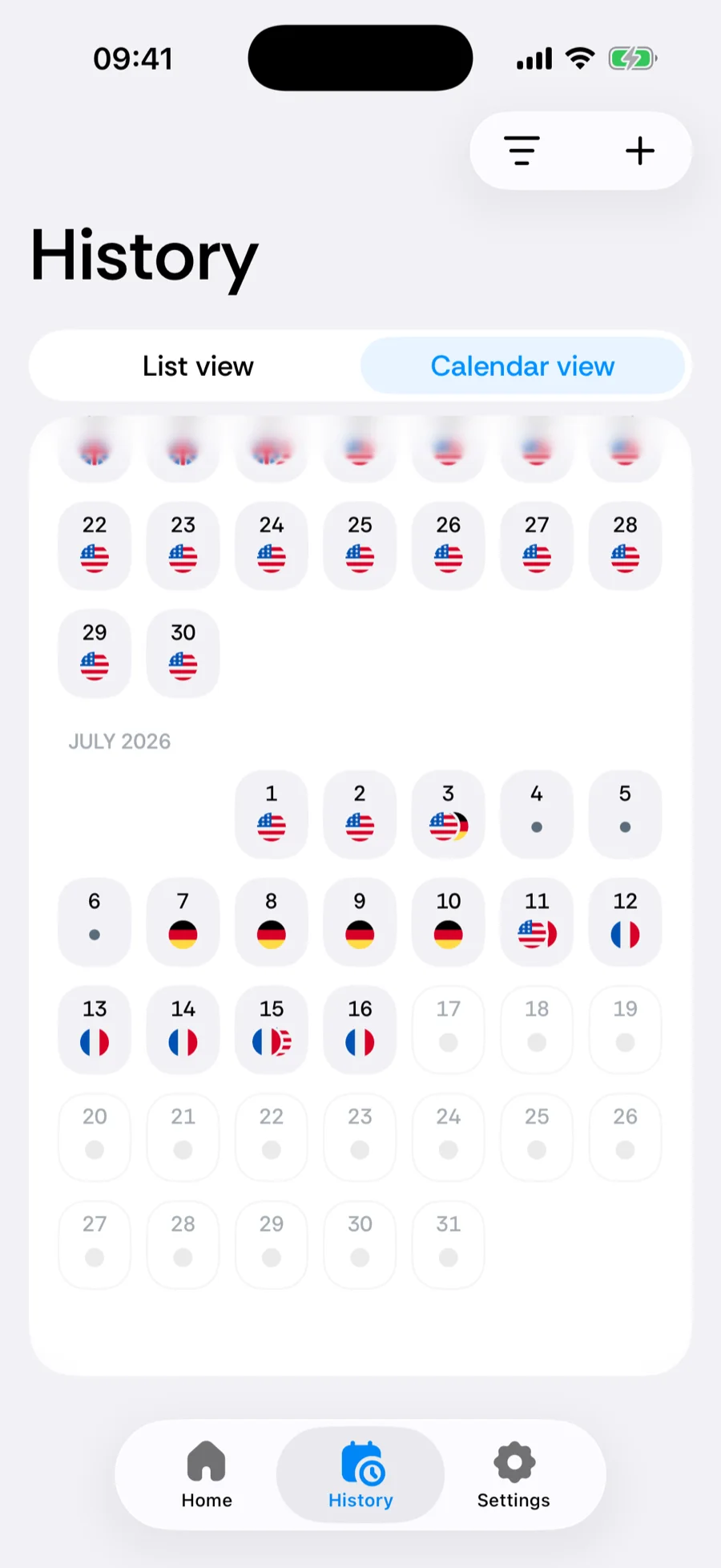
The History calendar’s week grid can start on the day you are used to. Go to You → Settings → First day of week (Settings opens from the gear on the You tab) and pick:
- System default — follow your iPhone’s region setting (Sunday in the US, Monday in most of Europe),
- Monday,
- Sunday.

What it affects
Purely presentation: the calendar grid’s column order. Day counts, counters, and date ranges are unaffected — a rolling 180-day window does not care what a week is.
Was this article helpful?
Related articles
Can’t find what you’re looking for? We answer every message.
Contact support