


The history list and calendar
The History tab is your complete travel record — every day Bounded has counted, whether it came from photos, automatic tracking, an imported file, or manual entry — plus the trips you have planned. A segmented control at the top switches between two views of the same data.
List view
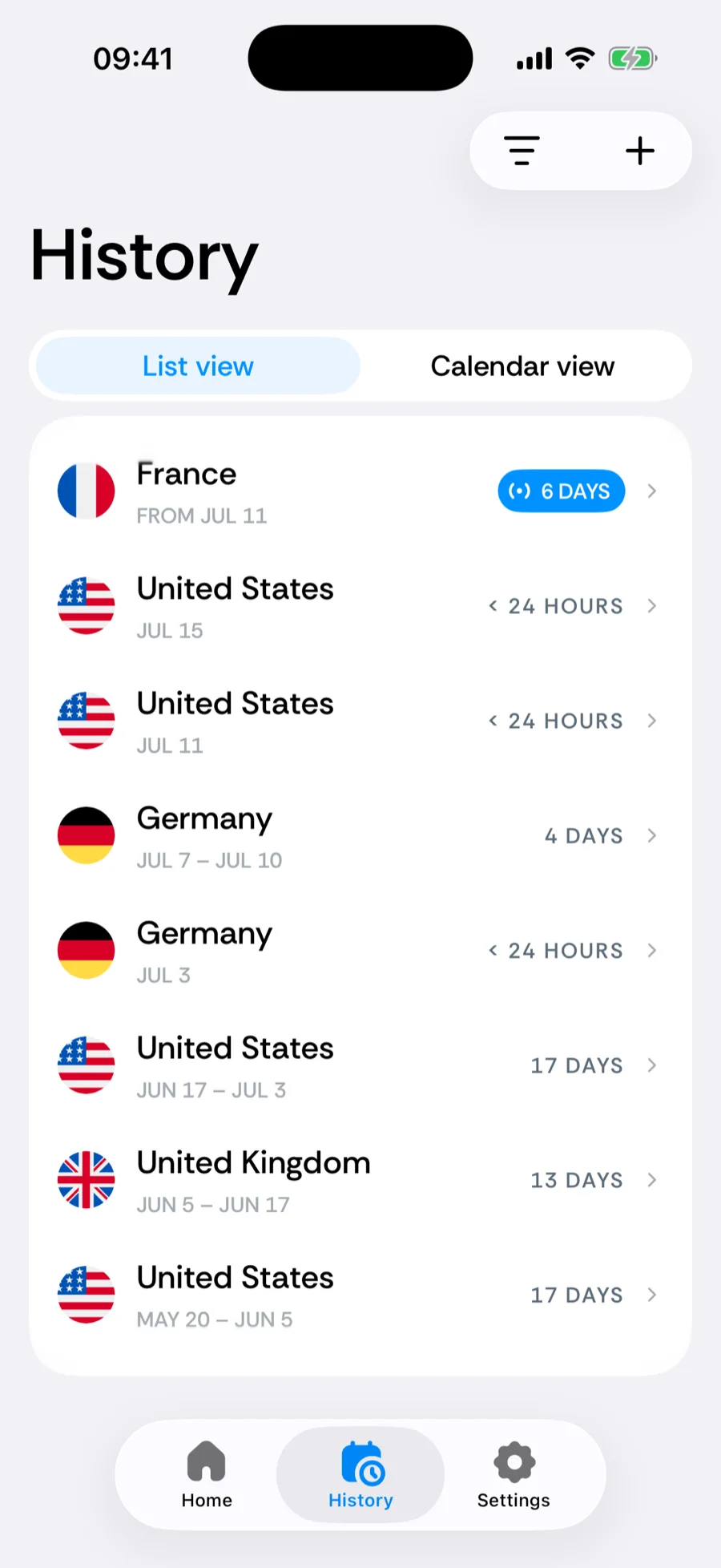
List view is a chronological list of your stays, newest first: one row per trip with its country, dates, and day count. The ongoing stay shows From and its arrival date; any upcoming trips are listed above it with Starts and their start date. Tap a row to open the trip: its days, labels, notes, and travel proofs, plus the actions to edit, delete, or report it.
Days at sea appear as International Waters rows with a ship glyph instead of a flag — a real entry in your record that counts toward no country.
Calendar view
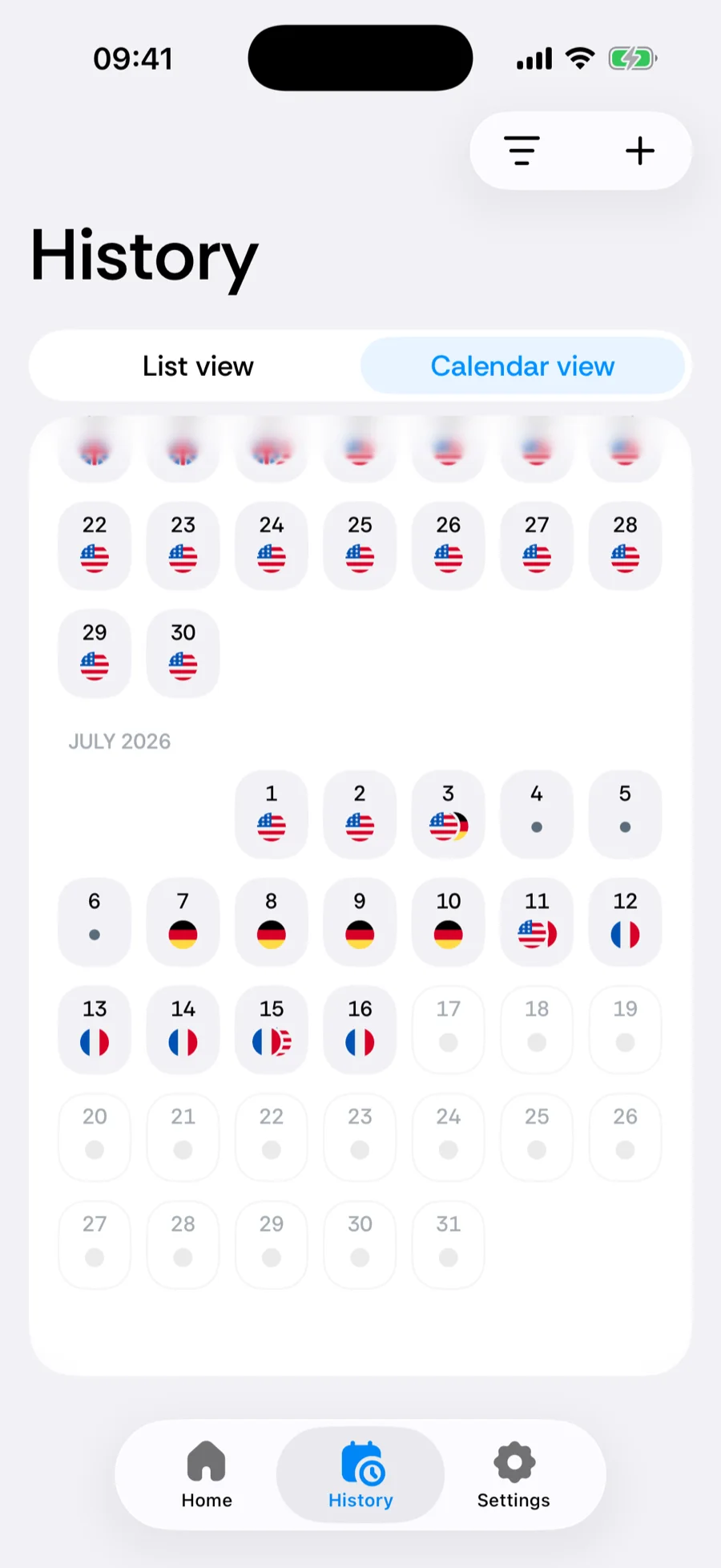
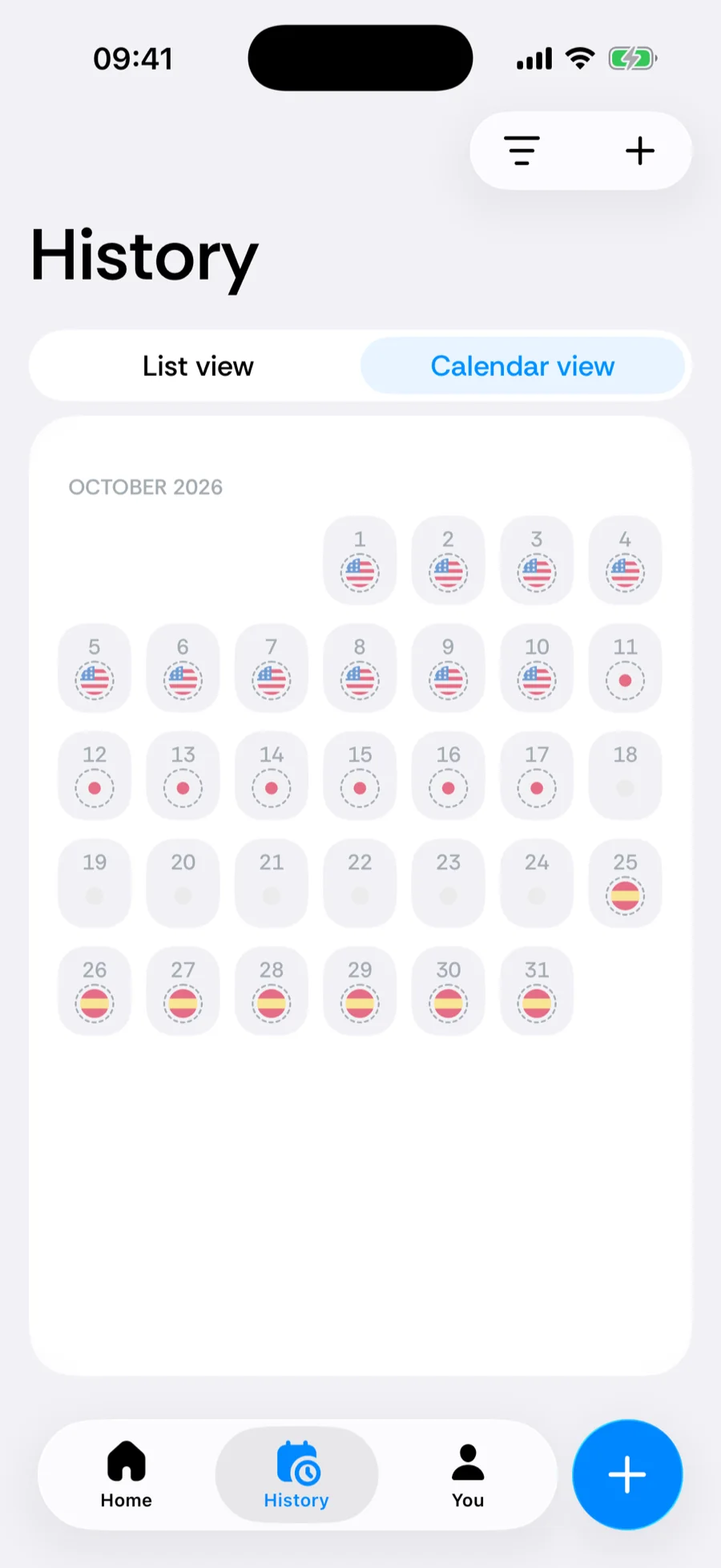
Calendar view shows a month grid where each day is marked with the country it counted toward. It is the fastest way to spot gaps — days Bounded could not place anywhere. Days that lie in the future and belong to a planned trip are drawn too, so you can see a booked trip against your counters before you leave.
Tap an empty day and Bounded offers to fill it: just that day or the whole gap, using the countries on either side, a transition between them, or any other country you pick. Tap a day that already has a country to open its trip.
Filtering by period
The range filter in the toolbar narrows both views to the period you care about:
- All time, This year, Last year,
- 6 months, Last 365 days,
- Custom — any date range you choose.
Adding trips
Tap the + in the tab bar and choose Log a trip or Plan a future trip (iOS 26 or later), or tap a day or gap in the calendar. Details in adding and editing trips.
Related articles
Can’t find what you’re looking for? We answer every message.
Contact support