


How to use Home Screen widgets
Bounded TeamUpdated August 16, 2026
Widgets put your day counts on the iPhone Home Screen, so you can check where you stand against a limit without opening the app.
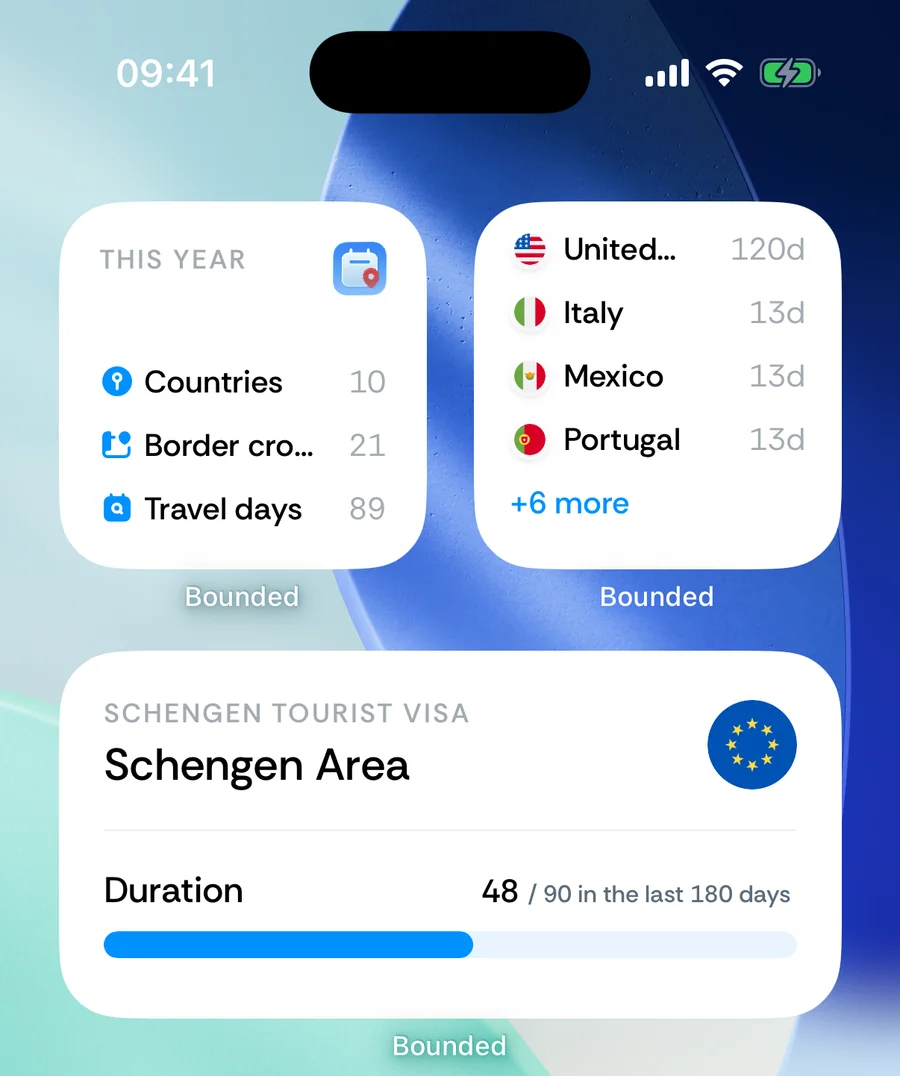
The three widgets
- Travel summary (small) — countries, border crossings, and travel days for a period you pick, from this year to all time.
- Top countries (small) — the countries you have spent the most days in.
- Counter (medium) — one of your day counters, with its progress and current count. Add several counter widgets to watch several rules.
Adding a widget
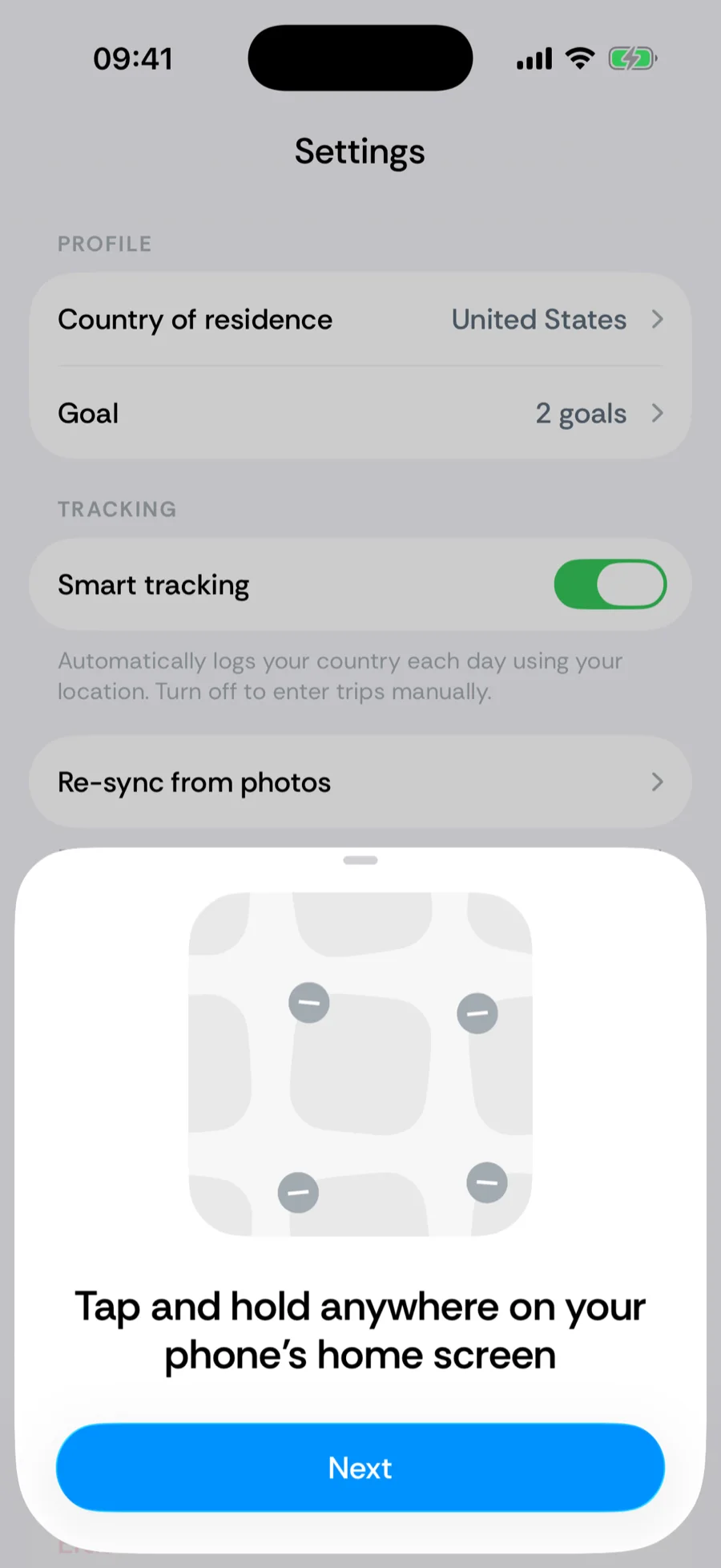
- 1Touch and hold anywhere on your iPhone Home Screen until the apps jiggle.
- 2Tap Edit, then the + Add Widget button in the top corner.
- 3Search for Bounded, pick a widget, and tap Add Widget.
- 4For the Counter widget: touch and hold the placed widget, choose Edit Widget, and select which counter it shows. The summary widget lets you pick the period the same way.
The same steps are illustrated in the app under You → Settings → Home screen widget.
Was this article helpful?
Related articles
Can’t find what you’re looking for? We answer every message.
Contact support