


How to manage your subscription
Bounded is free to download and includes a free trial so you can try the full experience. A subscription — billed through the App Store, monthly or annually — keeps the automatic features running.
What the subscription unlocks
- Automatic GPS tracking and travel history from photos,
- counter metrics and breakdowns, and detailed travel statistics,
- PDF and CSV export and live widget data,
- unlimited trips and countries.
How the trial works
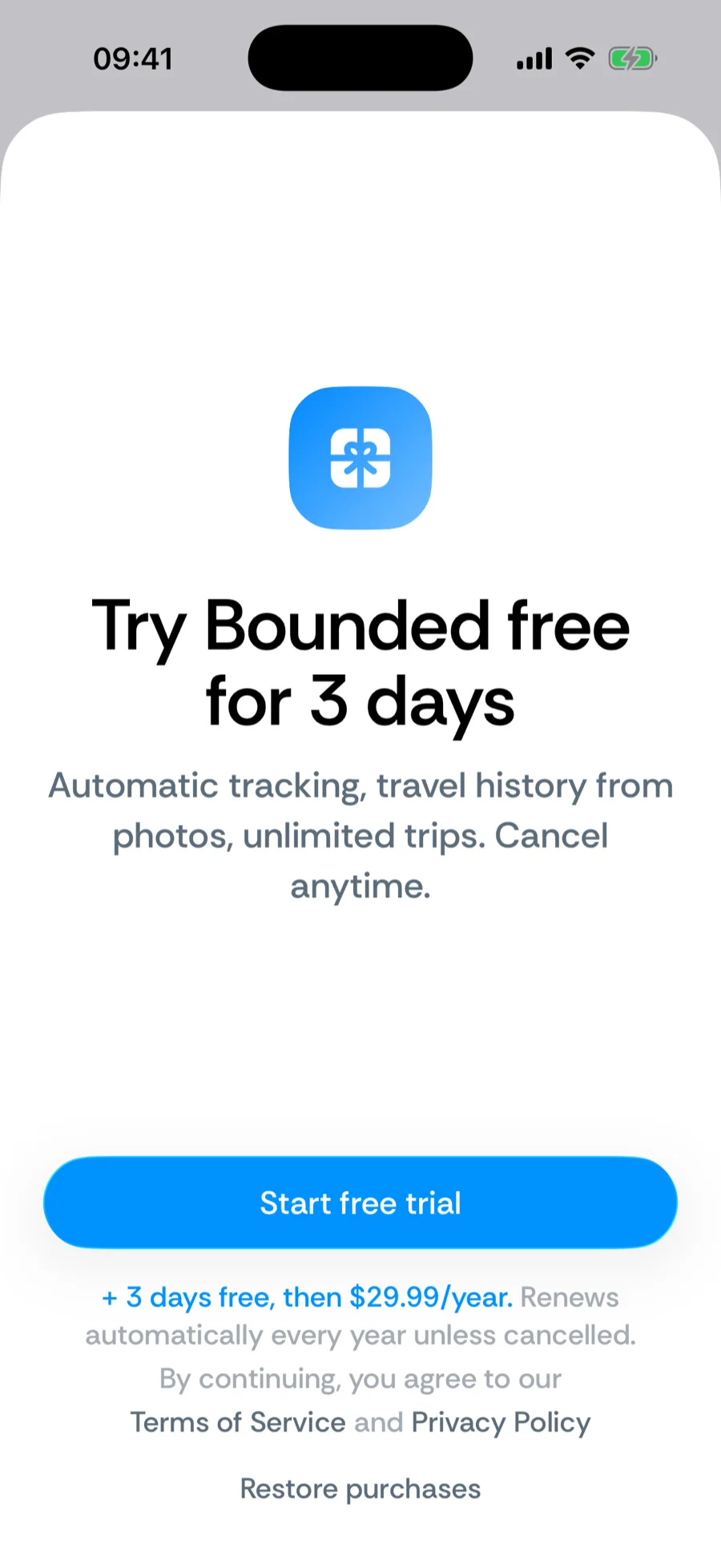
The trial gives you full access before any charge, and the paywall shows exactly how long it lasts before you start it. Cancel before the trial ends and you will not be billed. Your data stays on your device either way — a lapsed subscription never deletes your history.
Cancel before the trial converts
The single most common support email — so here it is up front. Canceling during the trial keeps your access until the trial’s last day and you are never charged: iPhone Settings → your name → Subscriptions → Bounded → Cancel Subscription (or App Store app → your avatar → Subscriptions). Do it any time before the trial ends — even a minute before.
Charged because the trial slipped past? Request a refund from Apple at reportaproblem.apple.com (purchases are billed by Apple, so only they can reverse one) — and email support@waslapps.com too; we’ll point you through it and make sure nothing renews.
Change or cancel your subscription
Subscriptions are managed by the App Store, not inside Bounded:
- 1Open Settings on your iPhone and tap your name.
- 2Tap Subscriptions, then Bounded.
- 3Switch plans, or tap Cancel Subscription. You keep access until the end of the paid period.
The Before you go question
After you turn off renewal, the next time you open Bounded while your access is still active it asks once — Before you go: What made you turn off renewal? — with a handful of reasons (Too expensive, Just wanted to look around first, Missing a feature I need, Tracking wasn’t accurate, I don’t travel enough to need it, Something else) and an optional details field. It is entirely optional: Skip dismisses it and it does not come back. If you do Send, the answer travels with a random installation ID only — no account, no email — and goes straight into what we build next.
Restore purchases
New phone, or subscribed but the app does not show it? Open the paywall and tap Restore purchases — as long as you are signed in with the same Apple ID, your subscription comes right back. Have a promo code? Redeem it under You → Redeem Promo Code.
Related articles
Can’t find what you’re looking for? We answer every message.
Contact support