


How to redeem a promo code
Bounded TeamUpdated August 16, 2026
Bounded promo codes unlock subscription access without going through the App Store purchase flow. Two places accept them:
Redeeming
- 1From the You tab — go to You → Redeem Promo Code (in the Other section), type the code, and confirm.
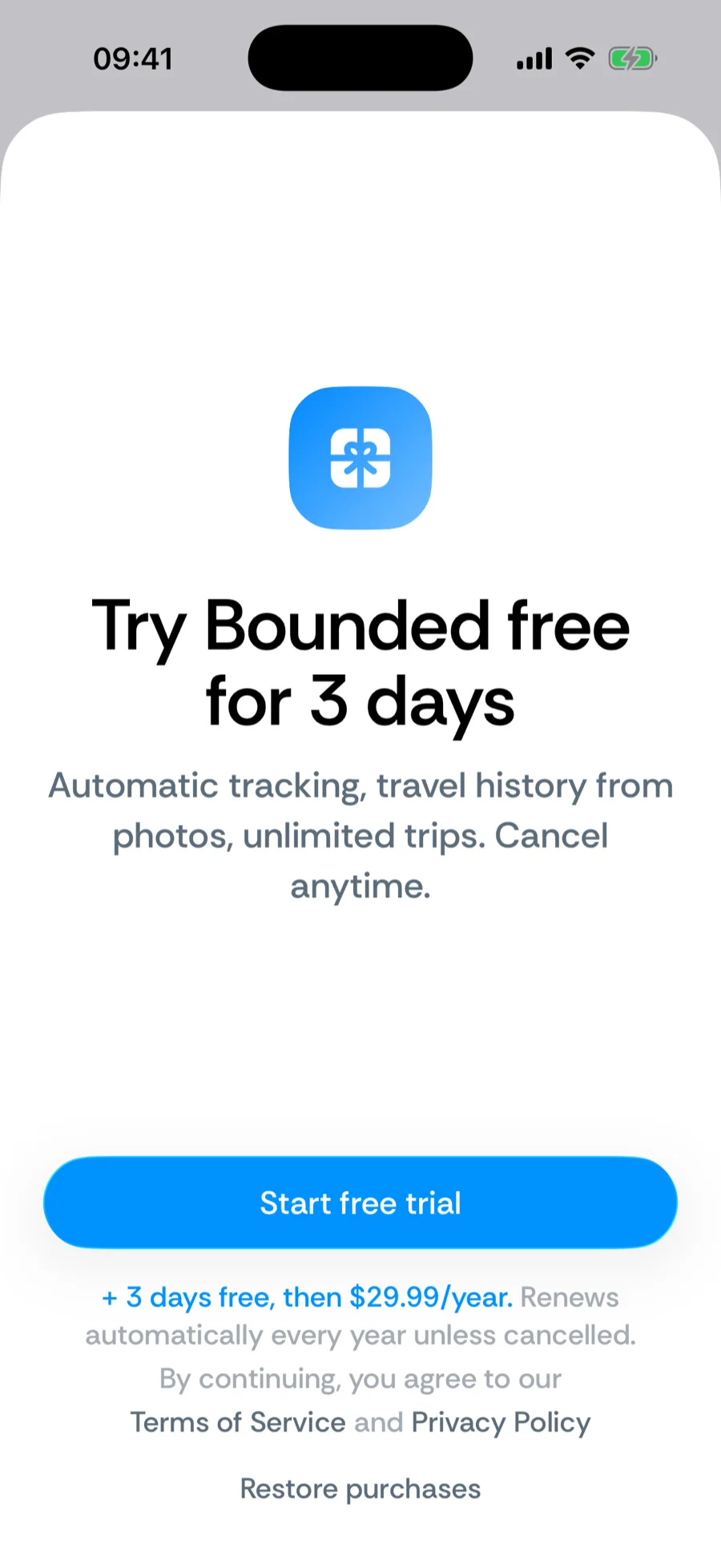
- 2From the paywall — the Redeem code link at the bottom of the paywall does the same thing, handy right after install.
What a code grants
- Lifetime access — the full feature set, permanently, or
- Time-limited access — the full feature set for the period the code carries.
Either way it covers everything in the subscription: automatic tracking, the photo restore, counter breakdowns, exports, and live widgets.
If a code doesn't work
- Codes are single-use and case-sensitive — check for typos and stray spaces.
- An expired campaign code fails with an error; the code’s issuer can confirm its status.
- Still stuck? Contact support with the code and we will sort it out.
Was this article helpful?
Related articles
Can’t find what you’re looking for? We answer every message.
Contact support