


How to restore your travel history from photos
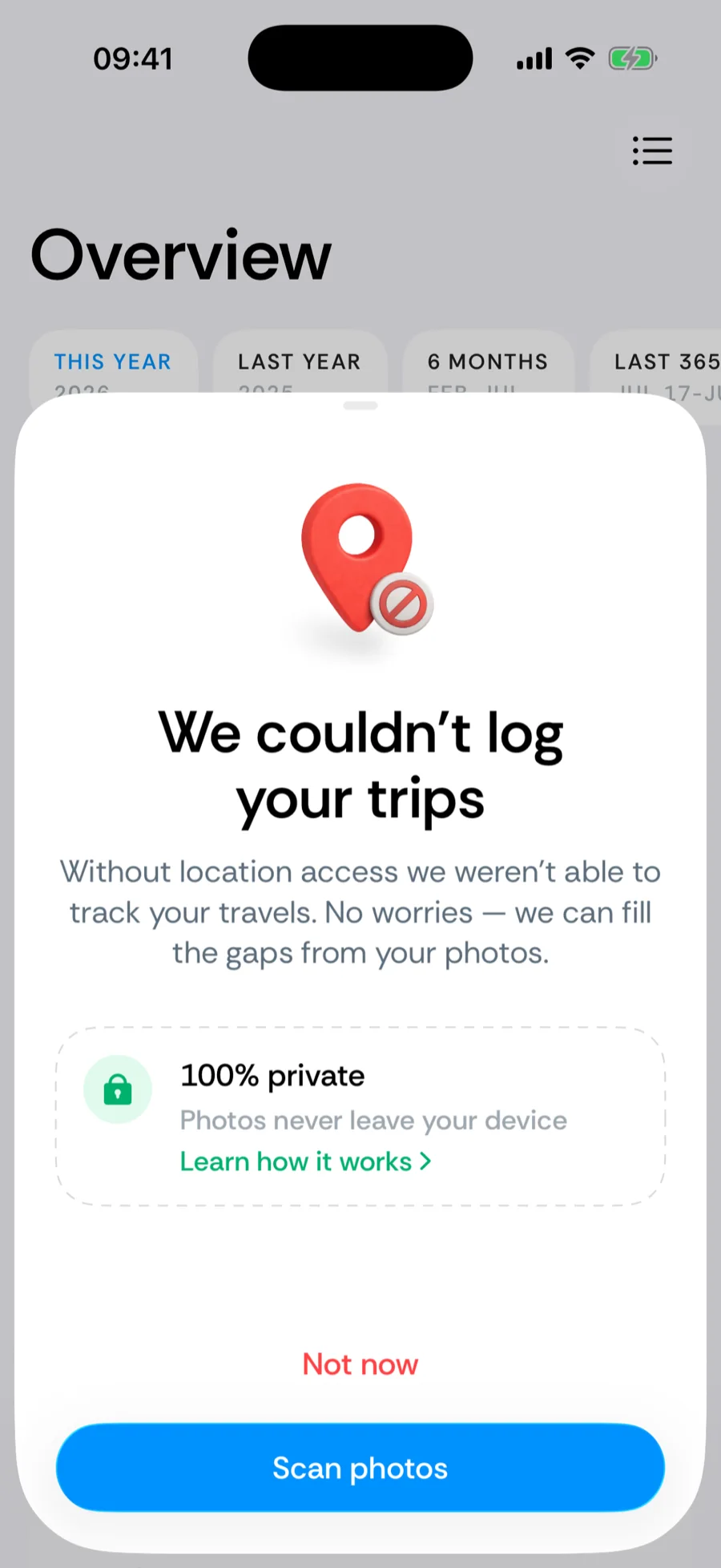
Most day-tracking apps start counting from the day you install them — which is useless when a tax authority asks about last year. Bounded rebuilds your past travel history in seconds by reading the location tags your camera attaches to photos. The scan runs entirely on your device: Bounded reads only the GPS metadata, never the image content, and nothing is uploaded anywhere.
How the scan works
- 1Allow photo access. Bounded asks for access to your photo library and explains what it reads. Tap Scan photos to start.
- 2Let it finish. Bounded scans your photos locally, detects countries from the GPS tags, and builds your timeline — you will see the progress on screen.
- 3Check your trips. Review the summary — countries, border crossings, and travel days — in list or calendar form. Tap Add more to fill gaps by hand, or Looks good to confirm.
What gets detected — and what gets skipped
The scan uses photos you actually took with your camera and maps their GPS coordinates to countries — and, inside the US, to states and cities — using an offline map. To keep the timeline accurate, Bounded automatically skips:
- screenshots, AirDropped, and saved images that are not your own captures,
- photos taken from a plane (high-altitude flyovers do not count as visits),
- photos with inaccurate or missing GPS data.
Days without any geotagged photo stay empty — you can fill them manually, or let the re-sync options below handle them.
Re-running the scan later
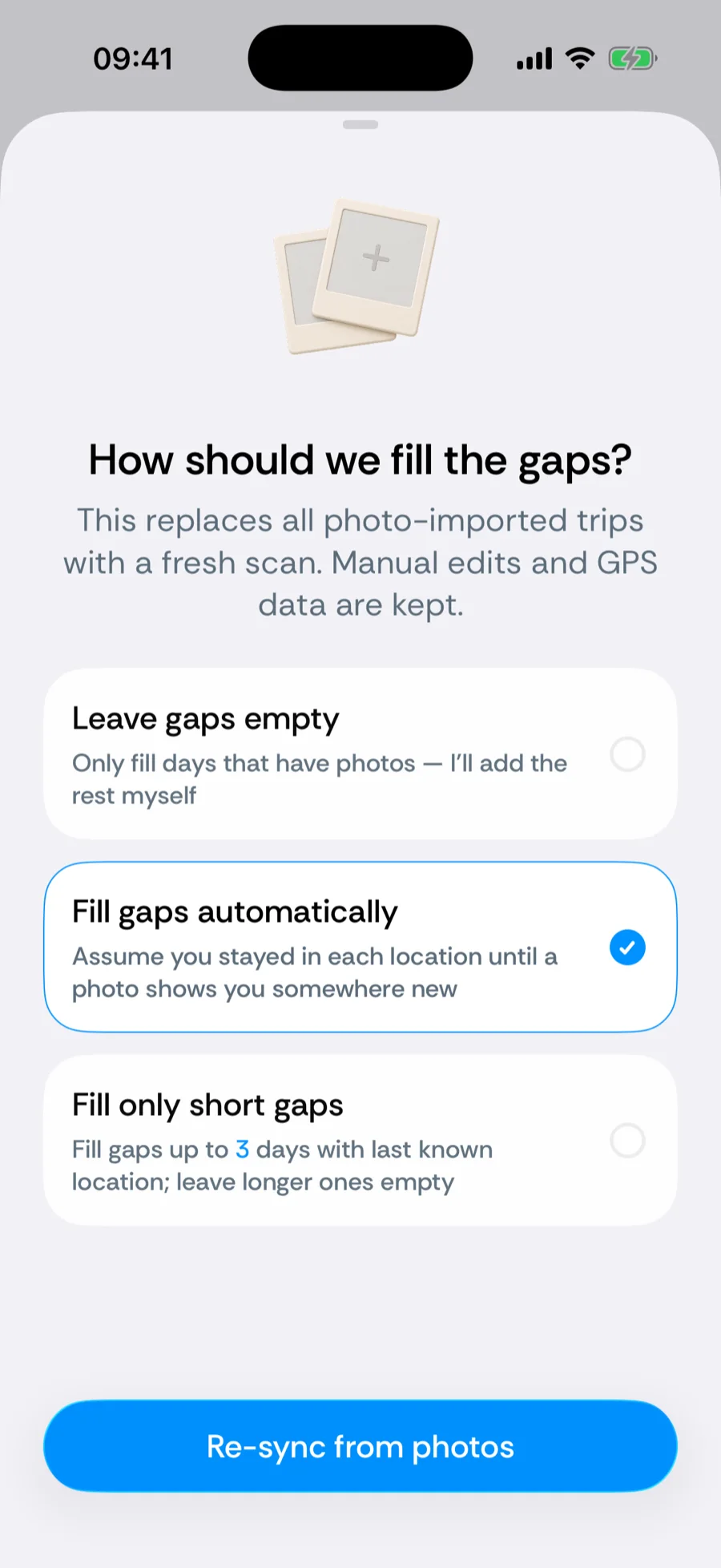
Take new photos, or restore an old backup? Go to You → Your data → Re-sync from photos. Re-syncing rebuilds only the photo-detected days — trips you added manually and days logged by GPS tracking are kept. You choose how gaps between photos are treated:
- Fill gaps automatically — assume you stayed in the same country between photos,
- Fill only short gaps — bridge small gaps, leave long ones for you to review,
- Leave gaps empty — record only the days with photo evidence.
Related articles
Can’t find what you’re looking for? We answer every message.
Contact support