


How to set up Bounded
Bounded TeamUpdated October 13, 2026
Bounded walks you through setup the first time you open it. The whole flow takes a couple of minutes, and by the end you have your full travel history rebuilt and automatic tracking running. Here is what each step does — and where to change things later.
The setup flow
- 1Choose your home base. Pick the country you consider home — Bounded uses it as the baseline of your timeline: any day without travel data counts toward your home country. If you are fully nomadic, choose Nomad instead.
- 2Set your goal. Tell Bounded what you care about — staying within visa limits, managing tax residency, or keeping a residence permit — so it can suggest the right counters.
- 3Restore your travel history. Bounded scans the GPS tags on your photos and rebuilds your past trips in seconds, entirely on your device. See how the photo restore works.
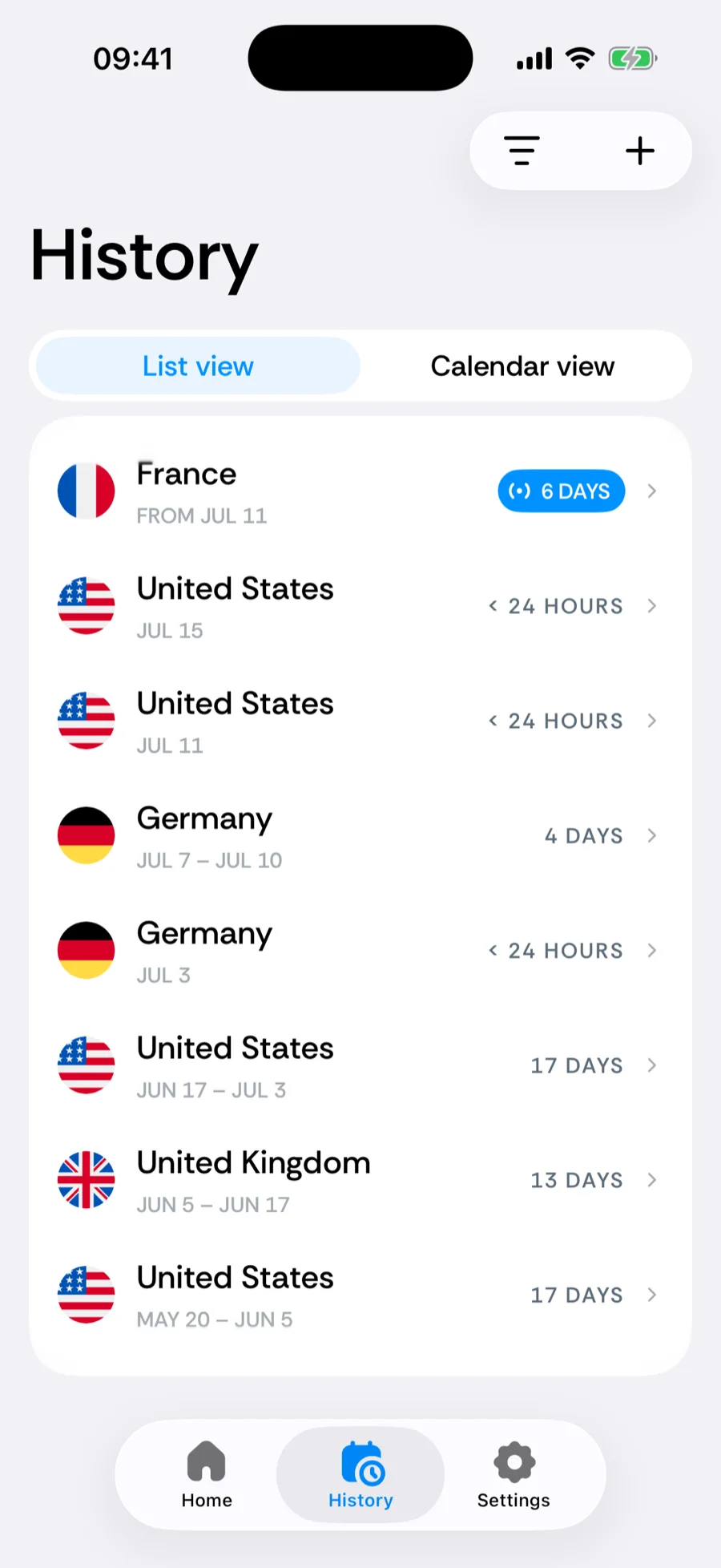
- 4Check your trips. Review the countries, border crossings, and travel days Bounded found. Tap Add more to fill gaps, or Looks good to continue. Opening a trip here shows the timeline strip: drag a trip’s edge to fix its dates, or drag the whole trip to move it.
- 5Enable location access. Allow Always location so GPS tracking can log your country each day in the background — no check-ins needed.
Add your first counter
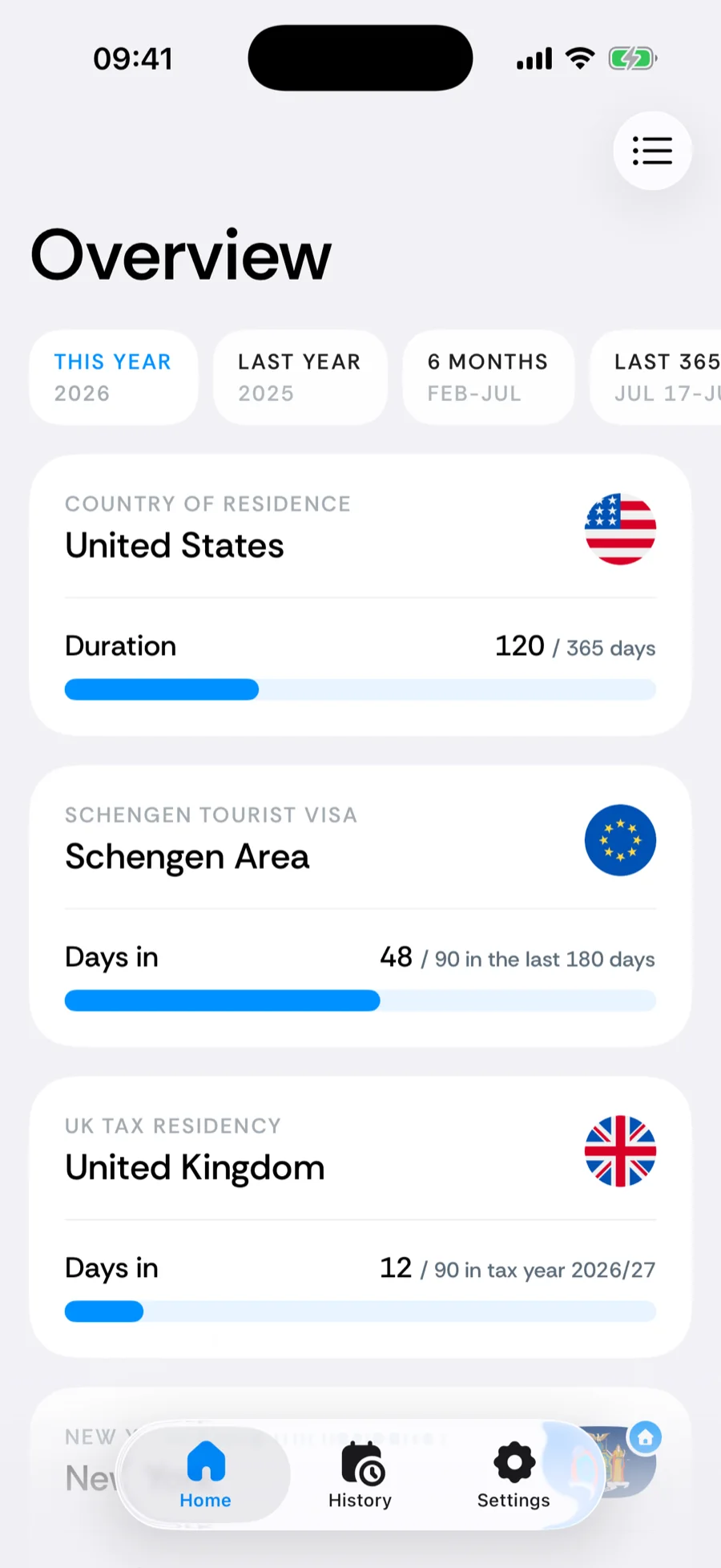
On the Home tab, a Track the rules that matter card suggests two counters that fit your goal and home base — tap one to add it, or Browse all counters for the full catalog. You can also tap the + in the tab bar and choose Add a counter (iOS 26 or later; see the quick-add menu) to browse or search the visa, tax, and residency rules. See Day counters and built-in rules for how counters work.
Was this article helpful?
Related articles
Can’t find what you’re looking for? We answer every message.
Contact support