


How to track the Schengen 90/180 rule
The Schengen short-stay rule allows at most 90 days within any rolling 180-day period across the whole Schengen Area. Because the window slides forward every day — and every member state shares one budget — it is notoriously easy to miscount. Bounded’s Schengen counter does the counting continuously against your real travel history.
Add the counter
- 1Tap the + in the tab bar and choose Add a counter (iOS 26 or later; see the quick-add menu).
- 2On the Visa tab, pick Schengen Tourist Visa — or type “Schengen” into Search counters.
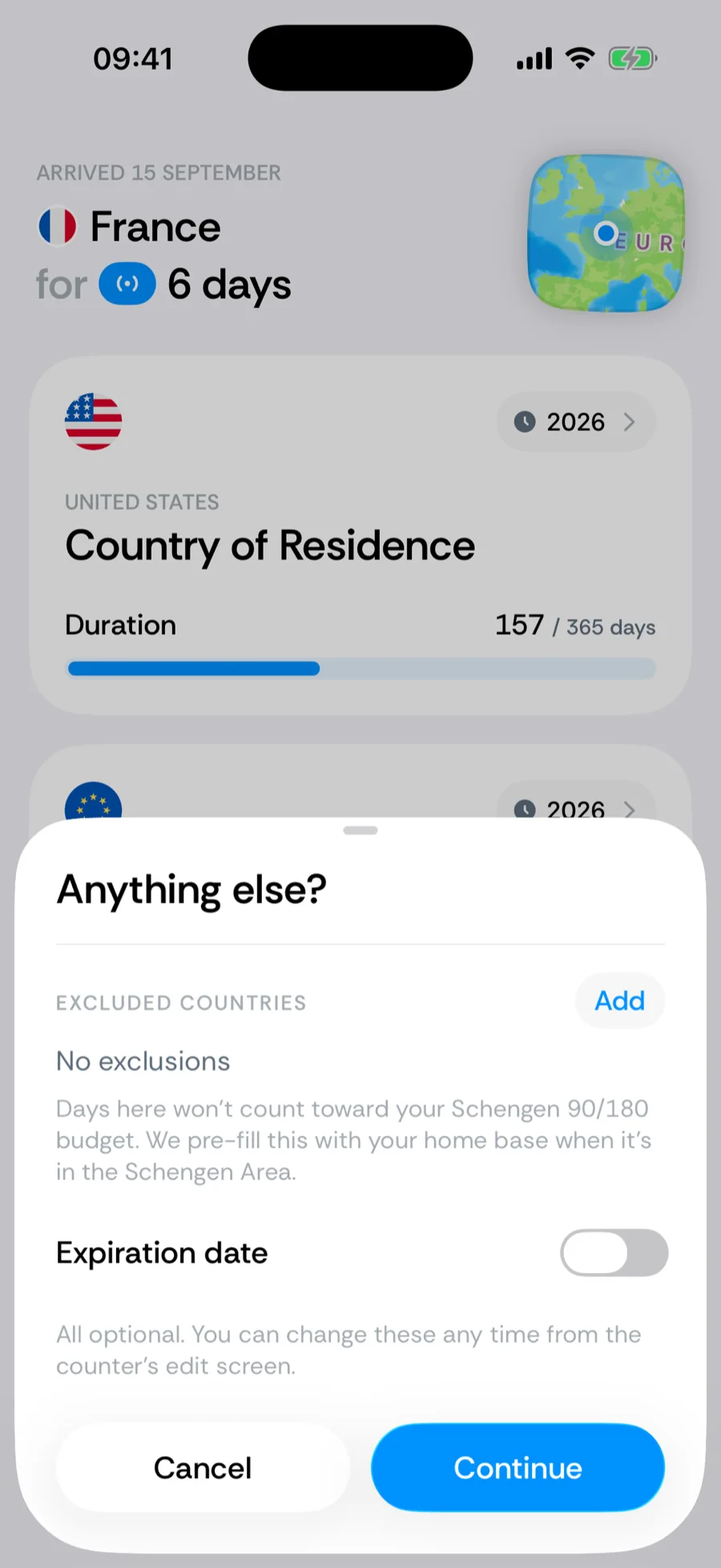
- 3Holding a residence permit in a Schengen state? Exclude that country — days in your residency country do not consume the 90/180 tourist budget.
- 4Tap Save. The counter immediately evaluates your entire history.
What the counter encodes
- 90 / 180 rolling — at most 90 days in any trailing 180-day window, counted across all Schengen members as one region.
- 90 days per visit — a continuous-stay cap alongside the rolling budget. A visit is an unbroken run of Schengen days: leaving ends it, and so does a day Bounded has no data for — a gap in your timeline is never bridged into one long visit. Fill gaps if you were there (see gap fill).
- Microstates — days in Monaco, San Marino, and Vatican City count toward your 90 days: they sit inside Schengen’s external borders with no controls of their own, so border records never show you leaving. Days in Andorra do not count — its border with France and Spain is a real Schengen external border.
- Entry and exit days count in full — see how border-crossing days are counted.
The 90 and 180 are literal Schengen Borders Code numbers, so this counter’s rule is locked — a “Schengen counter” with different numbers would only look like compliance. The exclusion list stays editable, because residency genuinely changes what counts.
How many days do I have left?
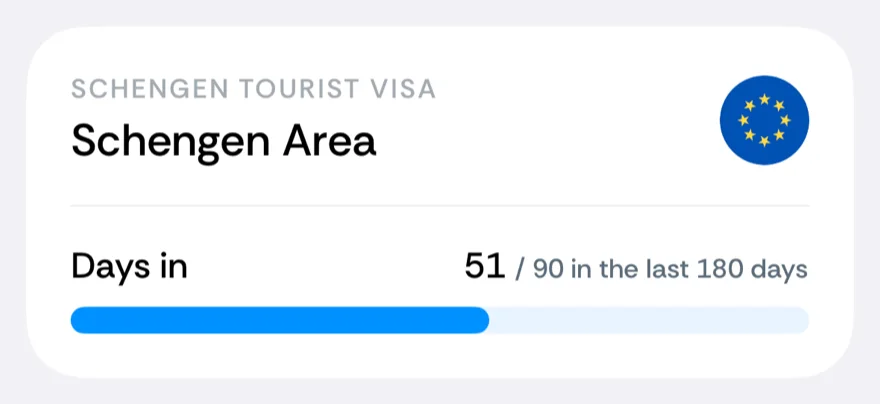
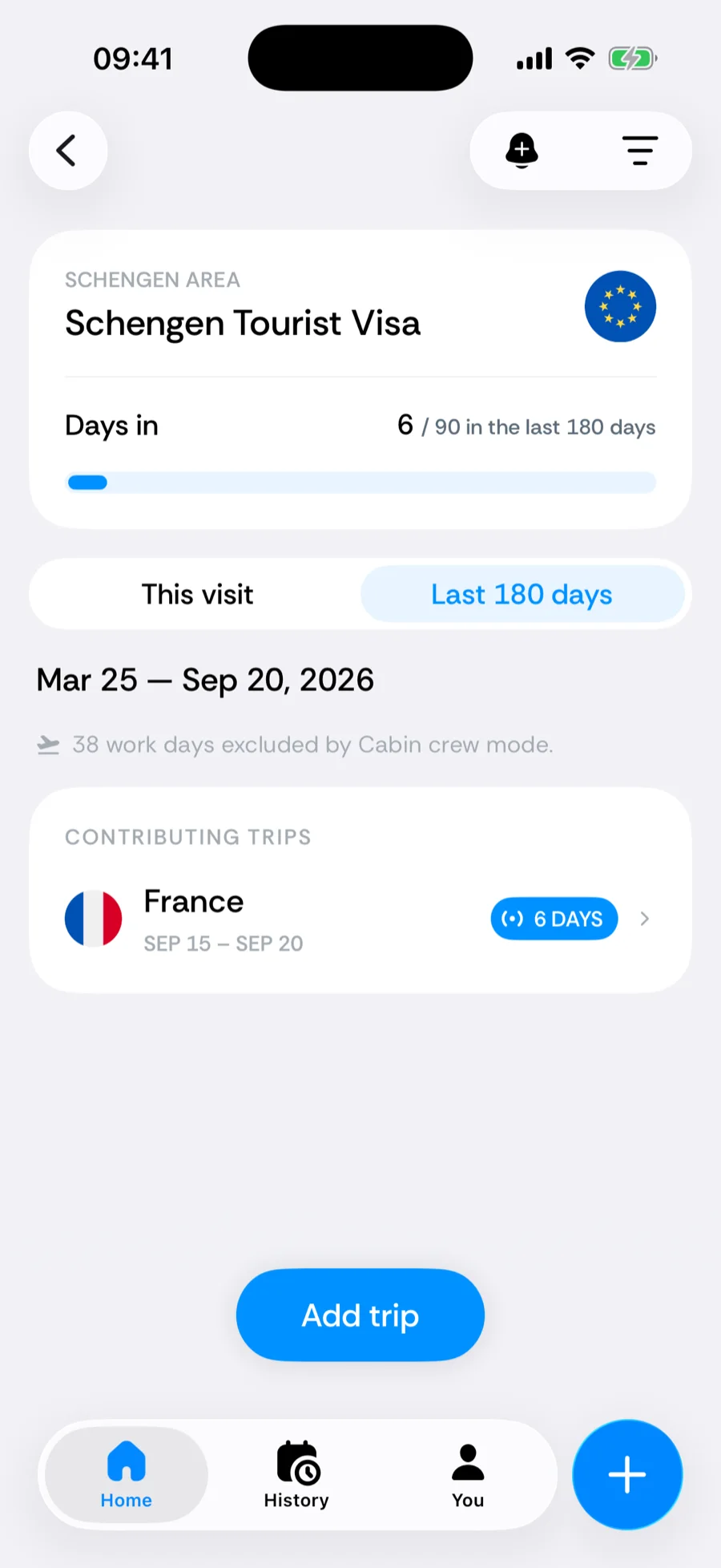
The counter card answers it at a glance: 51 / 90 means 39 days remain in the current window. Tap the card for the breakdown — a segmented switch between This visit and Last 180 days, days by country, and every contributing trip. This is also where you answer “when do I get days back?”: days drop out of the count exactly 180 days after they were spent, so the oldest trip in the list is the next to expire. If you have planned a future trip into Schengen, the card also projects what the count will be once you have taken it.
Planning on the web instead? The free Schengen 90/180 calculator runs the same rolling math in your browser — useful for checking dates before a trip is ever in your history.
Cruises and days at sea
A Mediterranean cruise is mostly Schengen days — every port call in Italy, Spain, or Greece counts. Days spent beyond the coastal band are logged as International Waters, which is not part of any Schengen state and does not consume your budget. See cruises, flights, and days at sea for how ports and sea days land in your timeline.
Related articles
Can’t find what you’re looking for? We answer every message.
Contact support