


The travel map
The travel map is your whole timeline drawn on a globe: every country you have stayed in during the selected period is filled in, with a flag badge that shows how many days you spent there. It opens from the top of the Home tab and uses the same period menu, so the map and the numbers underneath it always agree.
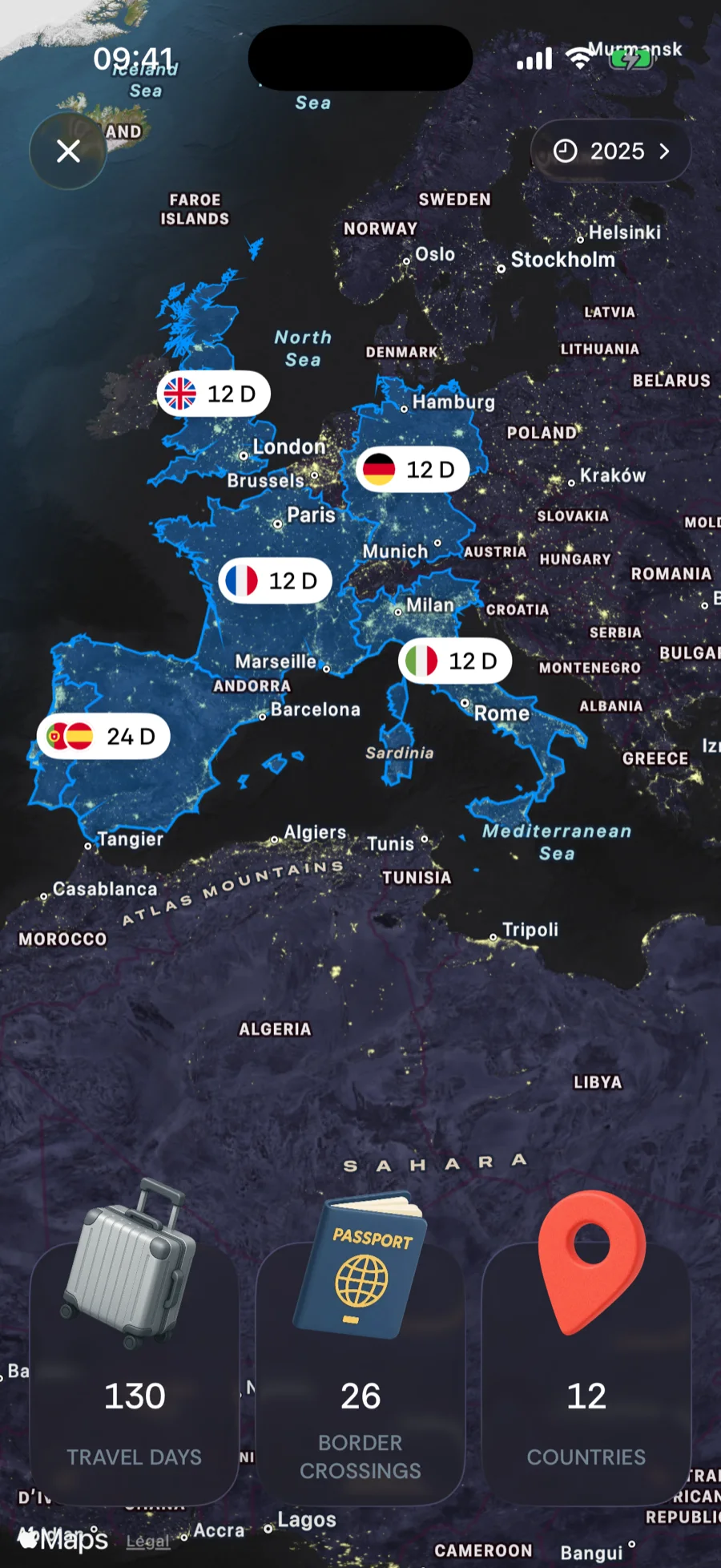
Opening the map
On Home, the current-location header shows a small map thumbnail next to the country you are in. Tap it and the thumbnail zooms out into the full-screen map, centered on where you are. Tap × in the top-left corner to go back.
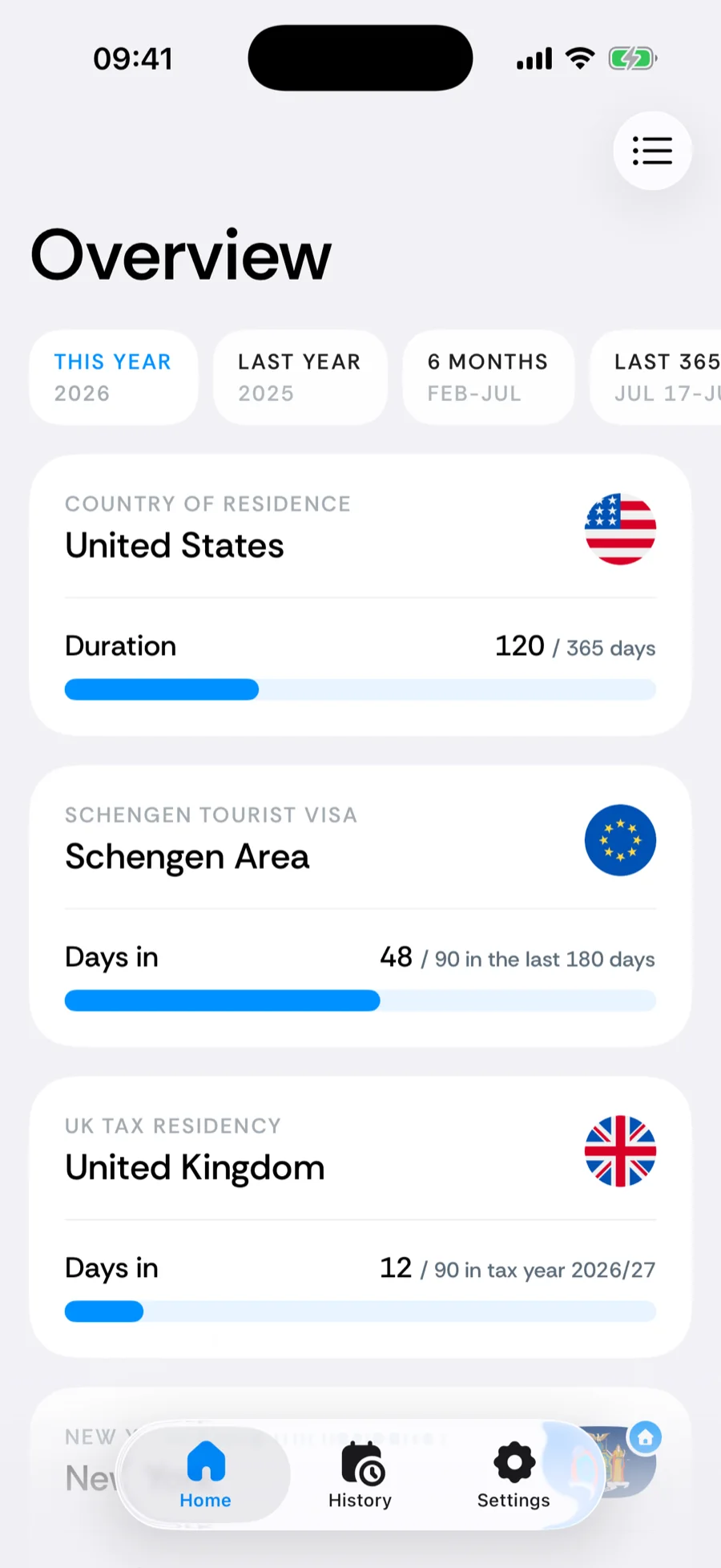
Reading the map
- Filled countries — every country with at least one day in the selected period is shaded. Countries you have not been to in that period stay plain.
- Flag badges — each filled country carries a badge with its flag and the number of days you spent there in the period. Tap a badge to open that country’s detail screen with every trip listed.
- Merged badges — when you zoom out, badges that would overlap merge into one pile whose badge shows the summed days of every place in it (in Bounded 2.1 or later). Tap the pile and the map zooms in until the badges separate again.
- Tap a country — tapping a filled country (not its badge) centers and zooms the map on it.
- Your location — a dot marks where you are today.
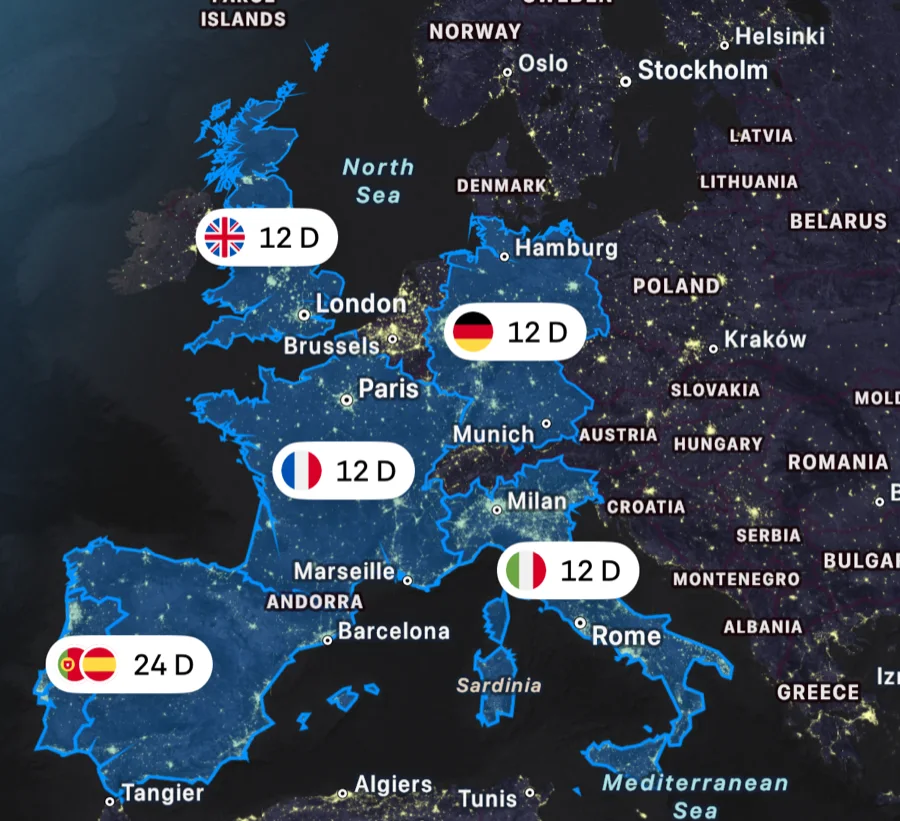
Pinch far enough out and the flat map turns into a globe. Zoom back in on a region and it returns to the light map.
US states on zoom
Zoom into the United States and the visited states appear filled, each with its own badge and day count. The country fill stays underneath, so the US still reads as somewhere you have been while the state badges take over from the country-wide one — the day count is never shown twice. Tapping a state badge opens the United States detail screen, where states and cities are broken down.
Changing the period
The pill in the top-right corner is the period menu — the same one as on Home: All time, This year, Last year, Last 6 months, and Custom range for any start and end date. Pick a period and the fills, badges, and stats update to that window. All time shows every country you have ever recorded.
If the period has no recorded days, the map stays empty and shows No trips in this range yet.
The stats along the bottom
Three cards sit at the bottom of the map: Travel days, Border crossings, and Countries. They are the same numbers as the statistics on Home, computed for the selected period — how each one is calculated is explained separately. Like the Home statistics, the map counts what your timeline says, so a day fixed in History shows up here immediately.
Related articles
Can’t find what you’re looking for? We answer every message.
Contact support