


How to track the US Substantial Presence Test
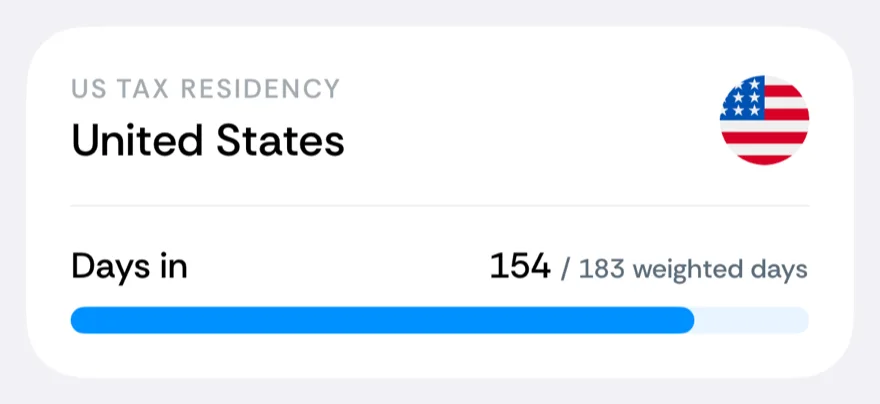
The Substantial Presence Test decides whether the IRS treats you as a US tax resident — and it is the rule people most often get wrong, because it is not a simple day count. It weighs three years of presence at different rates, so a spreadsheet needs to be rebuilt every day. Bounded’s US Tax Residency counter computes it continuously.
The formula
You meet the SPT for a year when both are true:
- you were in the US at least 31 days in the current year, and
- your weighted total reaches 183: all of this year’s US days, plus 1/3 of last year’s, plus 1/6 of the year before’s.
Example: 120 days in each of three straight years feels safe — but 120 + 40 + 20 = 180 weighted days, just three under the line. A fourth such year tips you over.
Tracking it in Bounded
Add US Tax Residency from the Tax tab of the counter picker (searching “SPT” or “Substantial Presence” finds it). The card shows your running weighted total — X / 183 weighted days — computed from your full timeline, including the fractional contributions of the two prior years. Because Bounded rebuilds history from photos, those prior years are usually already in place.
Related articles
Can’t find what you’re looking for? We answer every message.
Contact support