


The CSV export format
The PDF report is for handing to a human; the CSV export is for working with the data — pivot tables, your accountant’s spreadsheet, or your own scripts. Open You → Your data → Export data and pick one of four shapes under Detail level. Column headers are English and dates are YYYY-MM-DD in every shape.
Trip ranges
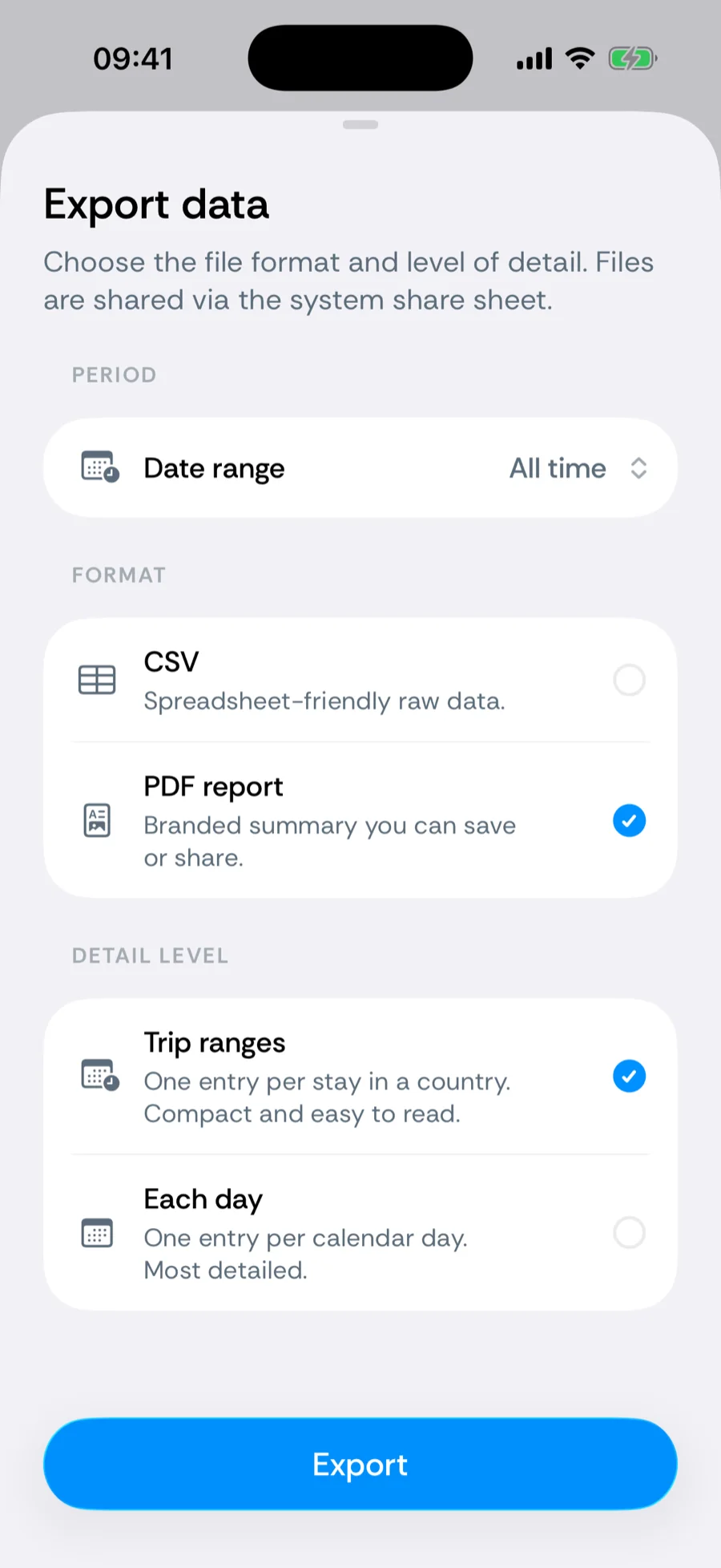
One row per continuous stay: country, start_date, end_date, days, is_current, work_days, personal_days, status (past, ongoing, or upcoming), is_confirmed, and planned_days. Compact and readable — the shape most residency and visa applications ask for (“list your absences”). Planned trips are included as rows with their own status, so a spreadsheet can tell a lived stay from a booking. Files are named like Bounded-Trips-….csv.
Each day
One row per calendar day: date, countries (a border-crossing day lists both, separated by |), states and cities (for the US, where state and city tracking resolved them; empty otherwise), source, and label (work, personal, or empty). The most detailed and audit-friendly shape; files are named like Bounded-Days-….csv.
- The source column is the audit trail — photo, gps, manual, imported, or planned — showing which days rest on photographic evidence, which on location data, which on a file you imported, which on your word, and which are still only a plan. See where each day comes from.
- Day rows make threshold math trivial in a spreadsheet — filter by country, count rows, done.
Location log
Raw GPS pings with coordinates, accuracy, and local time — chain-of-custody evidence for an audit. One row per location sample Bounded recorded: timestamp_utc, local_time, time_zone, latitude, longitude, accuracy_m, the resolved country, state, and city, the device alias that recorded it, and rejection_reason — empty for samples that count, otherwise why the sample was excluded (for example a fix taken at cruise altitude). Nothing is dropped silently. Files are named like Bounded-Location-Log-….csv.
Audit summary
Residency counters, state and region days, work/personal split, and missed days — the audit report’s tables as a spreadsheet. One file with several labelled blocks:
- RESIDENCY COMPLIANCE — one row per counter: counter, jurisdiction, window, goal, days, threshold, remaining, status, days_missed.
- SUB-NATIONAL DAYS — region, days, work_days for US states and UK countries.
- LABELED DAYS — work_days, personal_days, unlabeled_days from your trip labels.
- DATA COVERAGE — covered_days, gap_days, span_days, followed by a list of gaps (gap_start, gap_end, days, before, after).
Files are named like Bounded-Audit-Summary-….csv. Because the blocks have different columns, open the file in a spreadsheet rather than a strict CSV parser.
Scope and period
The period selector (all time, this year, last year, 6 months, last 365 days, a date range) applies to CSV exactly as to PDF — export All time with Each day for the complete archival copy, for example before switching phones.
Related articles
Can’t find what you’re looking for? We answer every message.
Contact support