


International Waters: how days at sea are recorded
A day on a cruise ship, a sailing passage or a research station belongs to no country — and for most rules that is exactly the point: it is a day away. In Bounded 2.1 or later, such days are recorded as International Waters, a pseudo-country that appears in your history like any other place but never counts toward a country’s limit.
What International Waters is
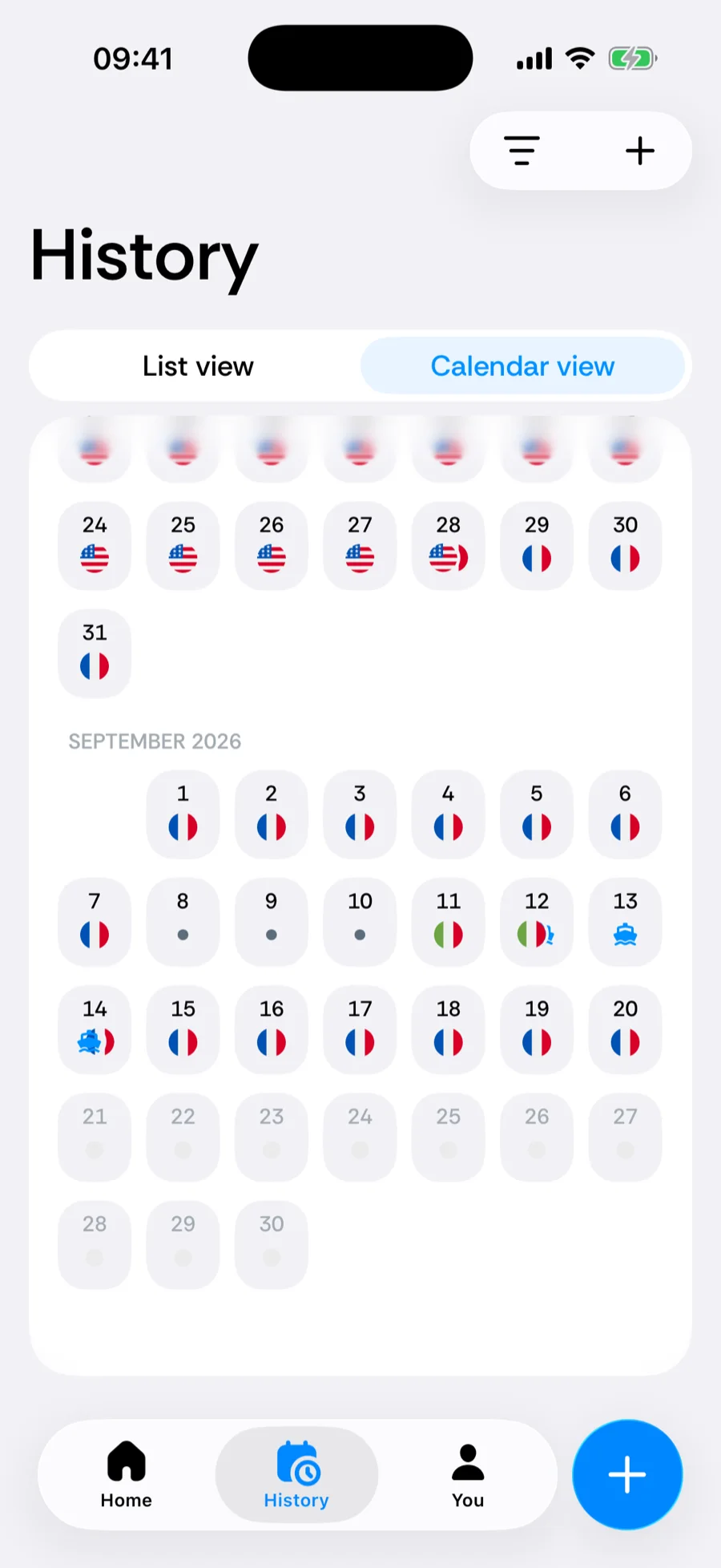
International Waters is a place in the same sense as France or Japan: it has a name, a row in History, a colour in the calendar and its own detail screen. Instead of a flag it shows a ship glyph. The difference is what it means to counters — it is the explicit record that on that day you were outside every country, rather than a gap that says nothing.
How Bounded detects it: the 25 km rule
Every GPS fix and every geotagged photo is placed on an offline map of country borders. When a location falls outside every country and the nearest coastline is more than 25 km away, the day resolves to International Waters. Anything closer snaps to the coastal country, because port approaches, ferries along the shore and coastal sailing are still, for practical purposes, days in that country.
- Enclosed seas follow the same rule — the middle of the Mediterranean, the Baltic or the Red Sea is International Waters once you are more than 25 km from any shore.
- Antarctica is not on the country map, so a day there resolves to International Waters as well.
- Detection runs offline on your phone. No mobile network is needed — a GPS fix is enough, which is what makes it work far from shore.
A position at sea also has to look like one before it is logged. Phones sometimes report a false location — near airports and conflict zones, GPS signals can be jammed or spoofed, and the phone may briefly place you tens of kilometres offshore while you sit at home. So:
- A stretch at sea needs confirmation. One GPS reading offshore, or a burst of them within a few minutes, is held back until tracking still places you at sea 20 minutes later. A real voyage passes this easily; a false reading that snaps back to land does not reach your history. A photo taken at sea counts on its own.
- Flights over water are not sea days. Over open water, a reading more than 500 m up or moving faster than 250 km/h is treated as a plane — which covers take-offs and landings at coastal airports — while a cruise ship’s top deck stays well below both.
- Simulated locations are ignored. Positions that the phone marks as produced by a location-simulation app are discarded.
When you update to 2.1, previously recorded GPS and photo locations are re-evaluated once, so offshore days that were empty or attributed to a coastal country may now show as International Waters.
The notification
When tracking sees you leave territorial waters, Bounded sends a notification titled Now in international waters with the body Bounded is logging these days as at sea, outside every country. It belongs to the Border crossings notification type, so it follows that switch in You → Settings → Notifications — see counter notifications. Because a stretch at sea needs confirmation first, the notification arrives once tracking has placed you offshore for about 20 minutes, not at the first reading.
Where it appears
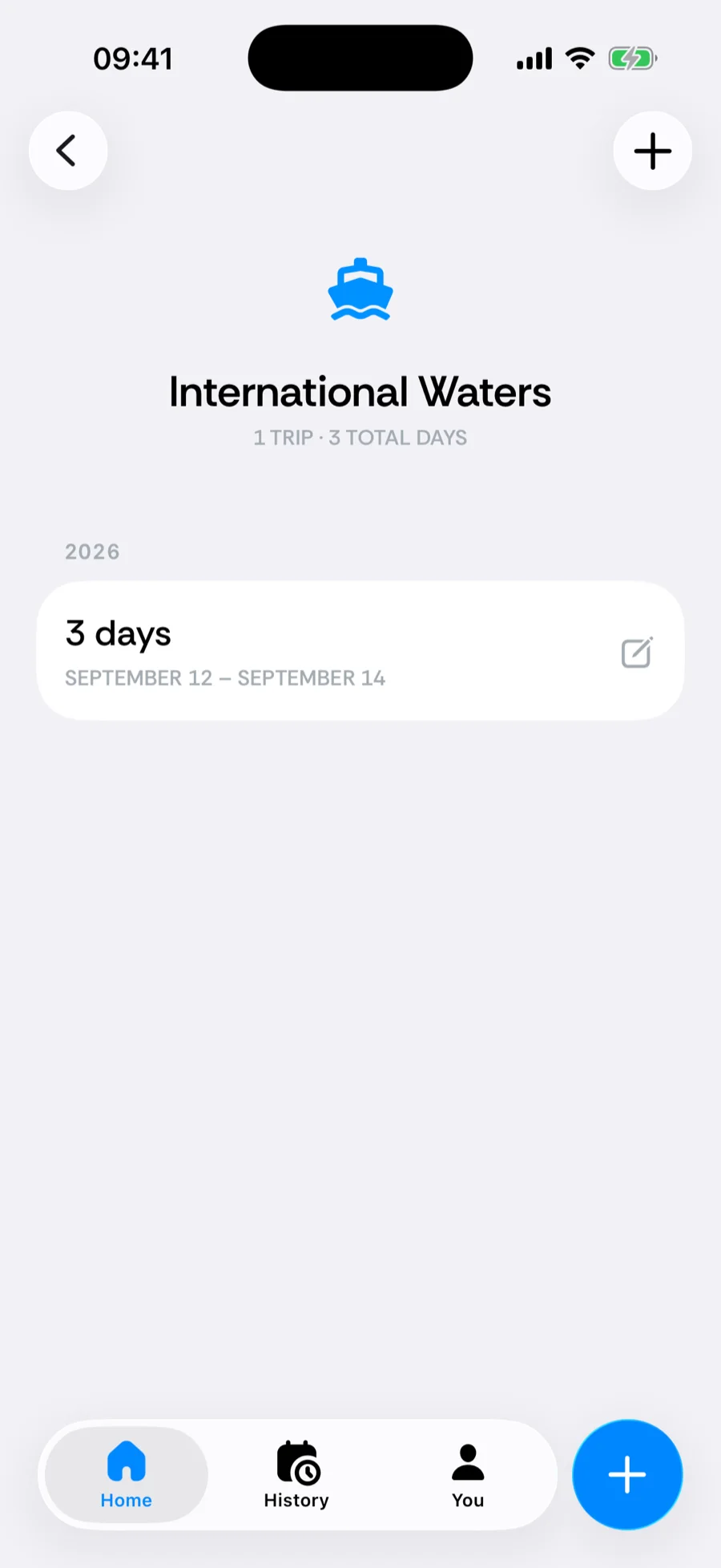
- History → List — an International Waters row with the ship glyph, its trips and day counts, like any country.
- History → Calendar — days at sea are filled and segmented into trips, so a crossing shows as a distinct stay between two countries.
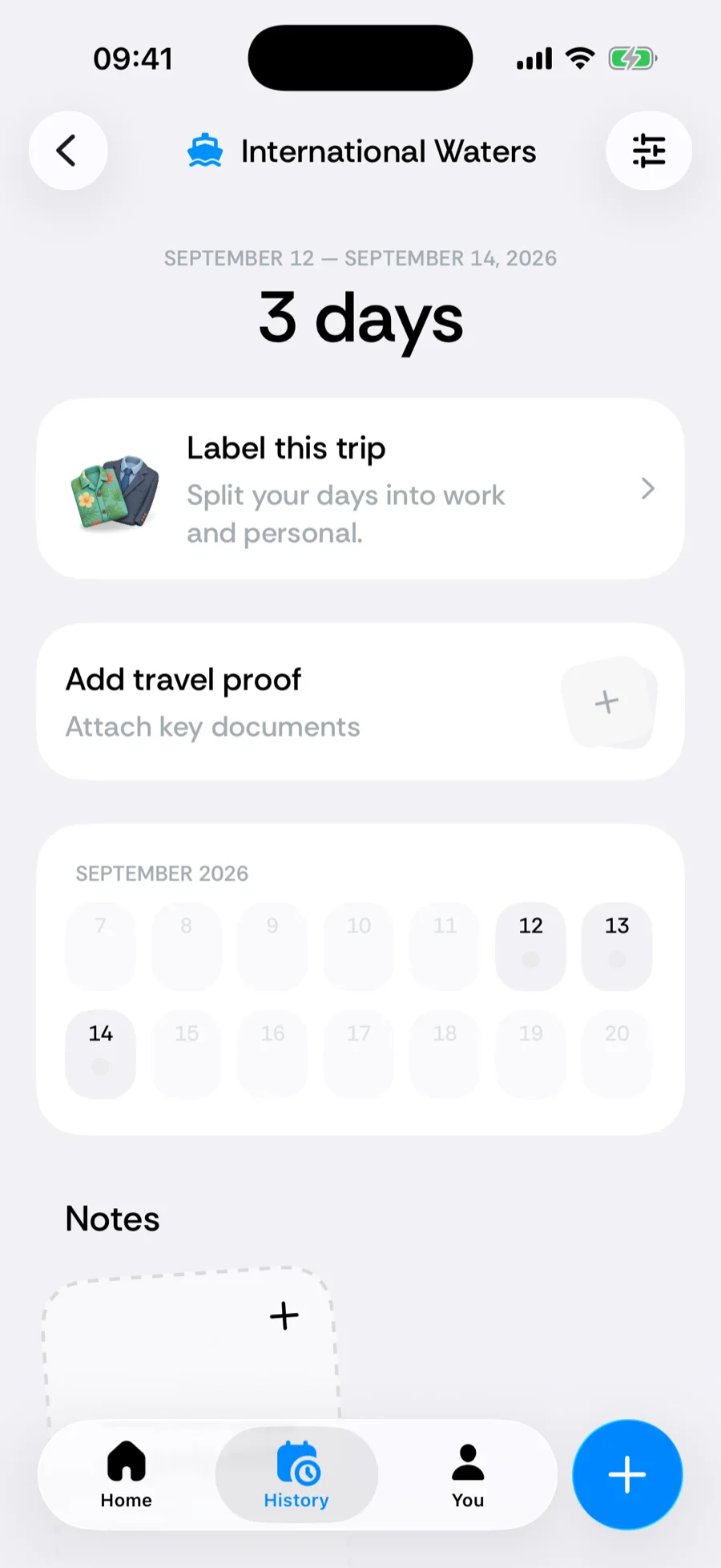
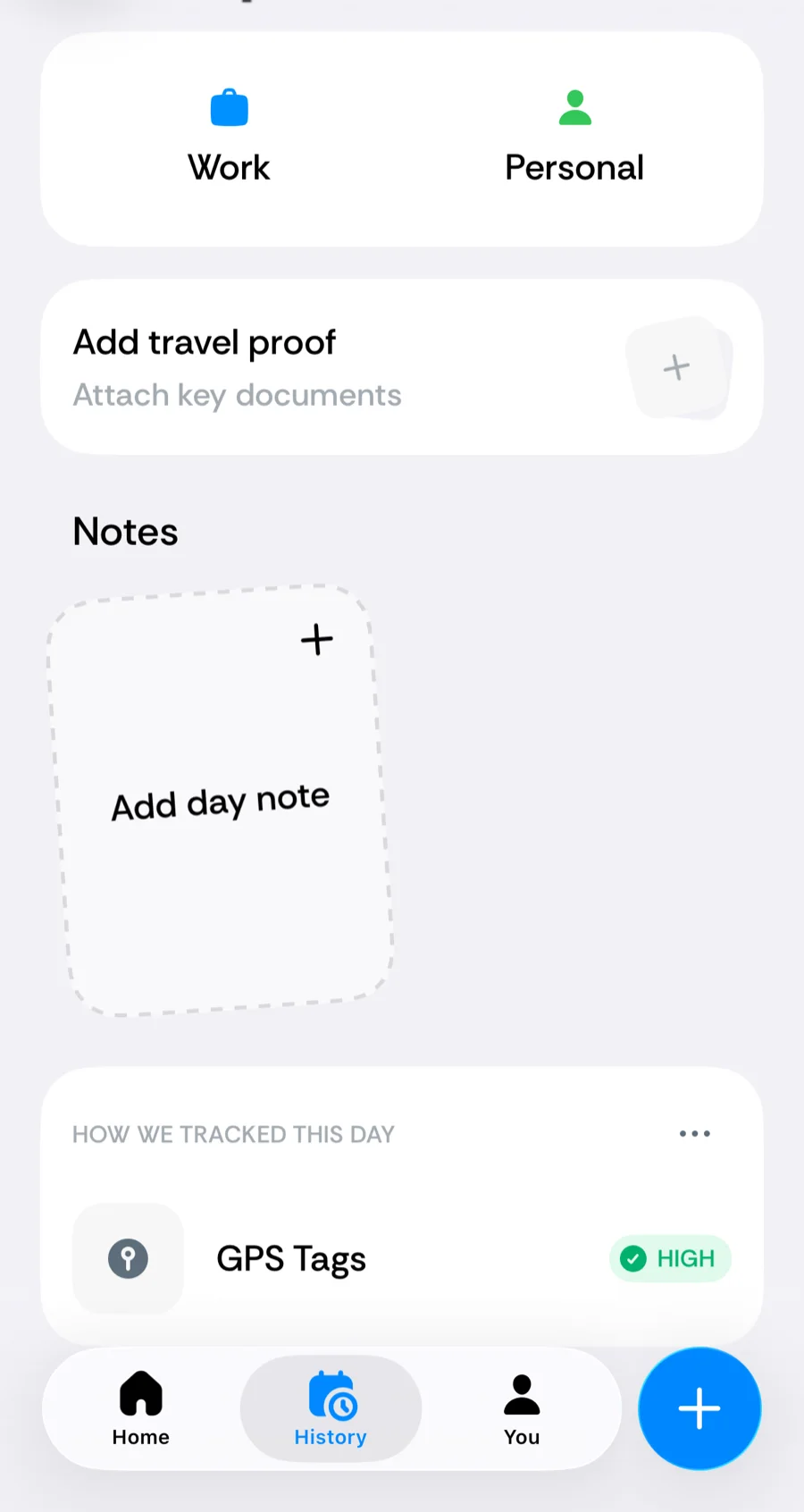
- Trip detail and day detail — the trip screen and the How we tracked this day list name International Waters as the place, with the usual source rows (GPS, Photo, Manual).
- Country detail — tap the row to see every stay at sea, exactly as for a country.
How counters and statistics treat it
- International Waters matches no counter region. A day at sea never counts toward a Schengen, visa or tax-residency counter for any country.
- For rules that count days away from a country or abroad — absence caps for permanent residency, days-abroad counters, the US FEIE — a day at sea counts as away, because you were not in that country.
- It is excluded from “countries visited” in statistics; it does not inflate your country total.
- The border-crossing day itself — leaving port, or docking — still counts in the coastal country, following the usual two-countries-in-one-day handling.
For Schengen specifically: days genuinely outside member-state territory do not consume 90/180 days, while port days do. The rule and its nuances are in the Rulebook; for a high-stakes count, confirm your itinerary’s treatment with the operator or an advisor.
Setting it manually
International Waters can be chosen in the country picker of the trip editor (new or existing trip), in the gap-fill sheet and in the correction sheet. It is not offered as a home base, a passport country or a residency, since it cannot be any of those.
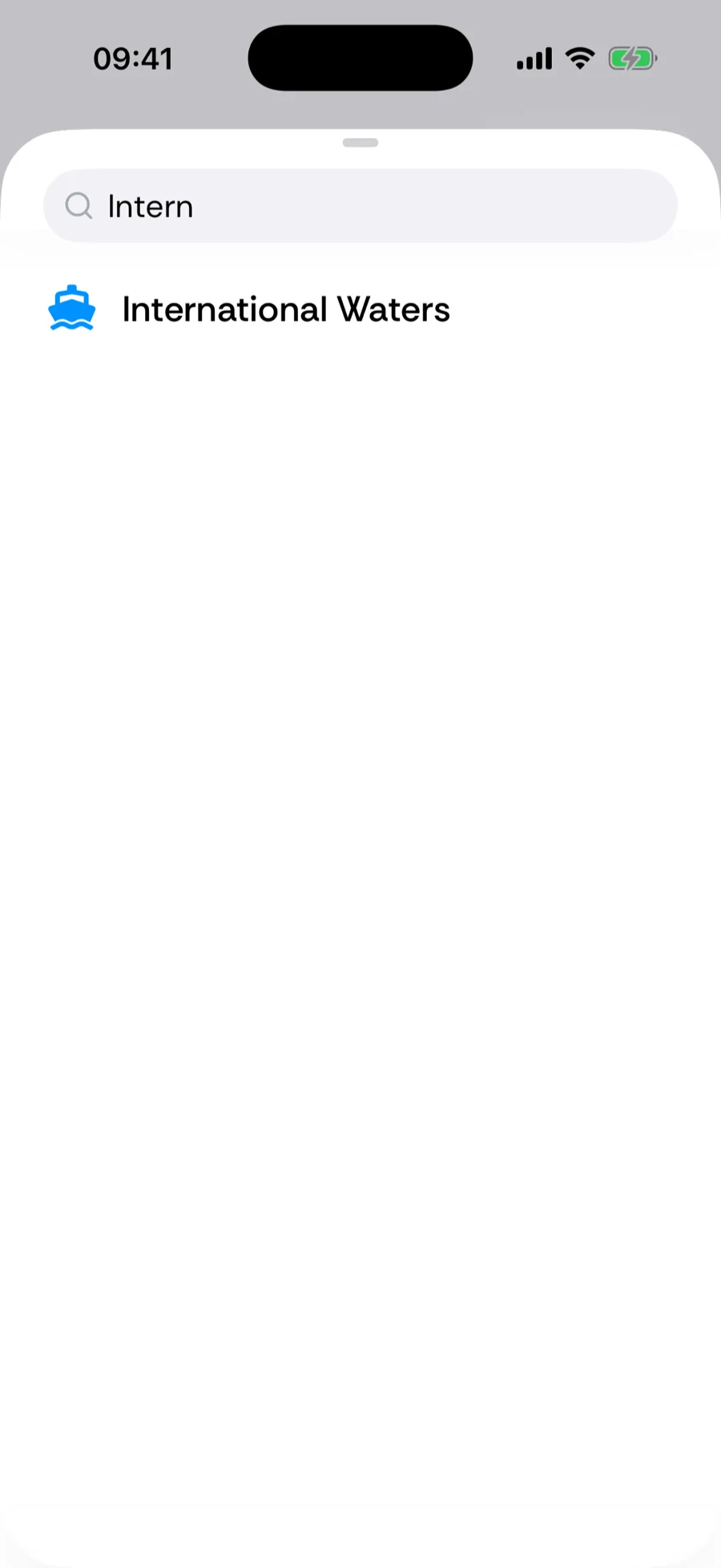
Two situations where a manual entry is worth it:
- Coastal misattribution. If a day at sea was snapped to a coastal country — a phone that reached shore towers, a photo geotagged at the last port — and you were in fact offshore all day, open the trip and change its country to International Waters, or use the correction sheet. Genuine port calls should stay as visits: you did dock.
- Filling a passage. A voyage with the phone off leaves empty days; filling the gap with International Waters records the passage explicitly instead of leaving it open. Both are honest — an empty day also counts toward no country — but the explicit record reads better in exports and reports.
Related articles
Can’t find what you’re looking for? We answer every message.
Contact support