


Counter notifications: warnings before you hit a limit
A counter you never look at cannot protect you. Bounded can watch your counters for you and send a push notification while there is still time to act — days before you approach a limit, not after you have crossed it.
Turning notifications on
Bounded offers notifications once after onboarding. If you skipped that, go to the You tab → Settings (the gear) → Notifications and flip Push notifications on — iOS will ask for permission the first time.
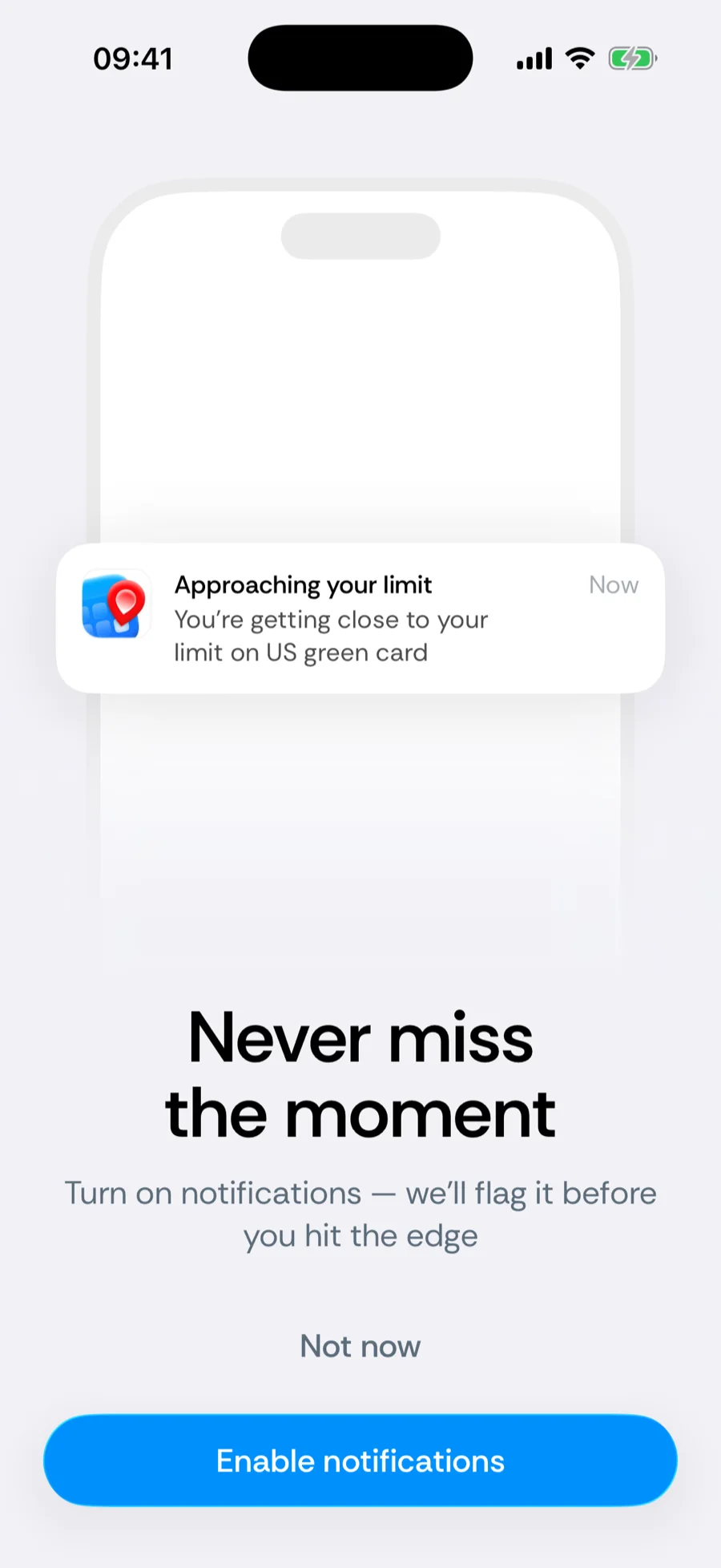
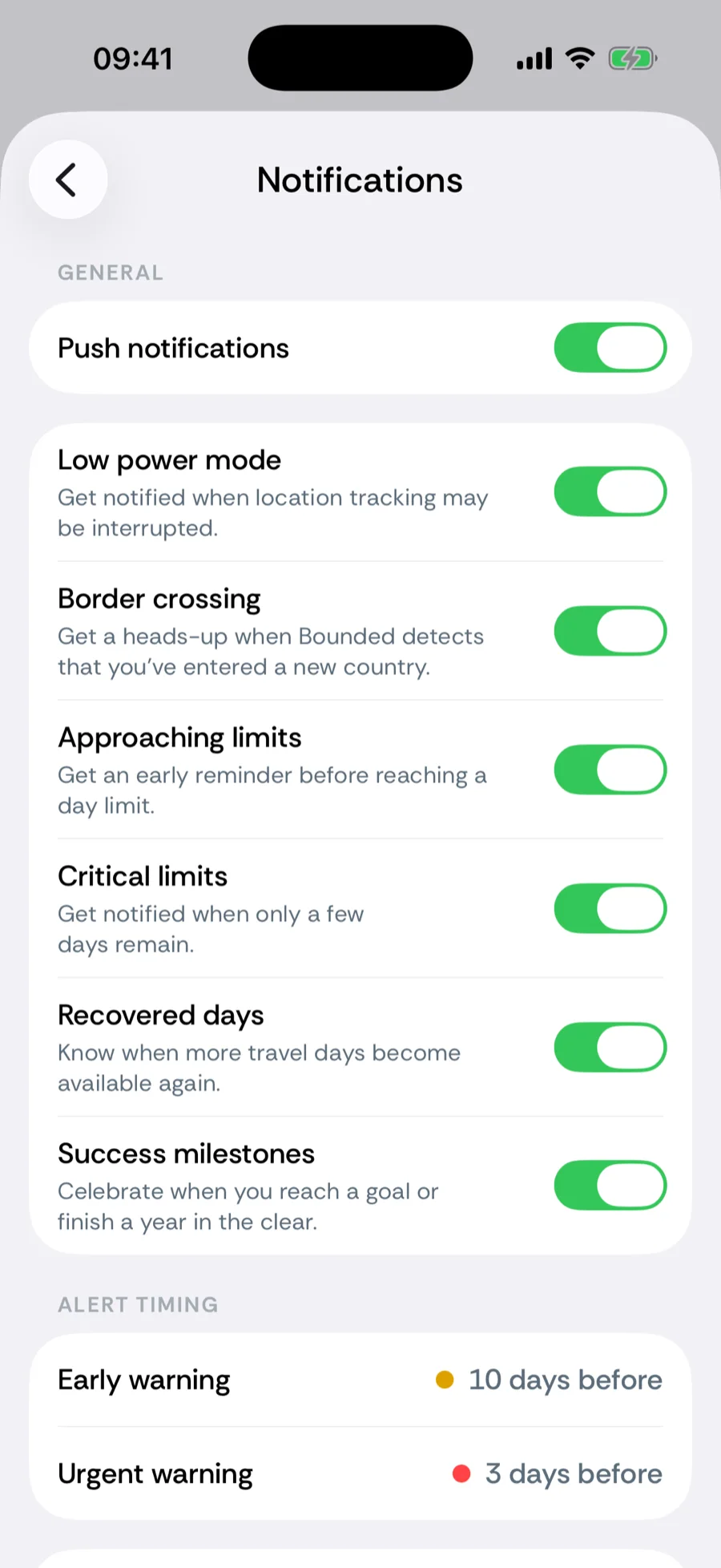
What Bounded can notify you about
- Approaching limits — the early warning, sent while you still have room to plan.
- Critical limits — the urgent warning when a limit is days away.
- Border crossings — when Bounded detects you entered a new country.
- Recovered days — when days drop out of a rolling window and your budget frees up.
- Success milestones — progress on counters where you are reaching a goal rather than avoiding a limit.
- Low power mode — a heads-up that iOS Low Power Mode can delay background tracking.
Each type has its own switch, so you can keep the warnings and drop the rest.
When the warnings fire
Two thresholds control the timing, counted in days before a counter reaches its limit:
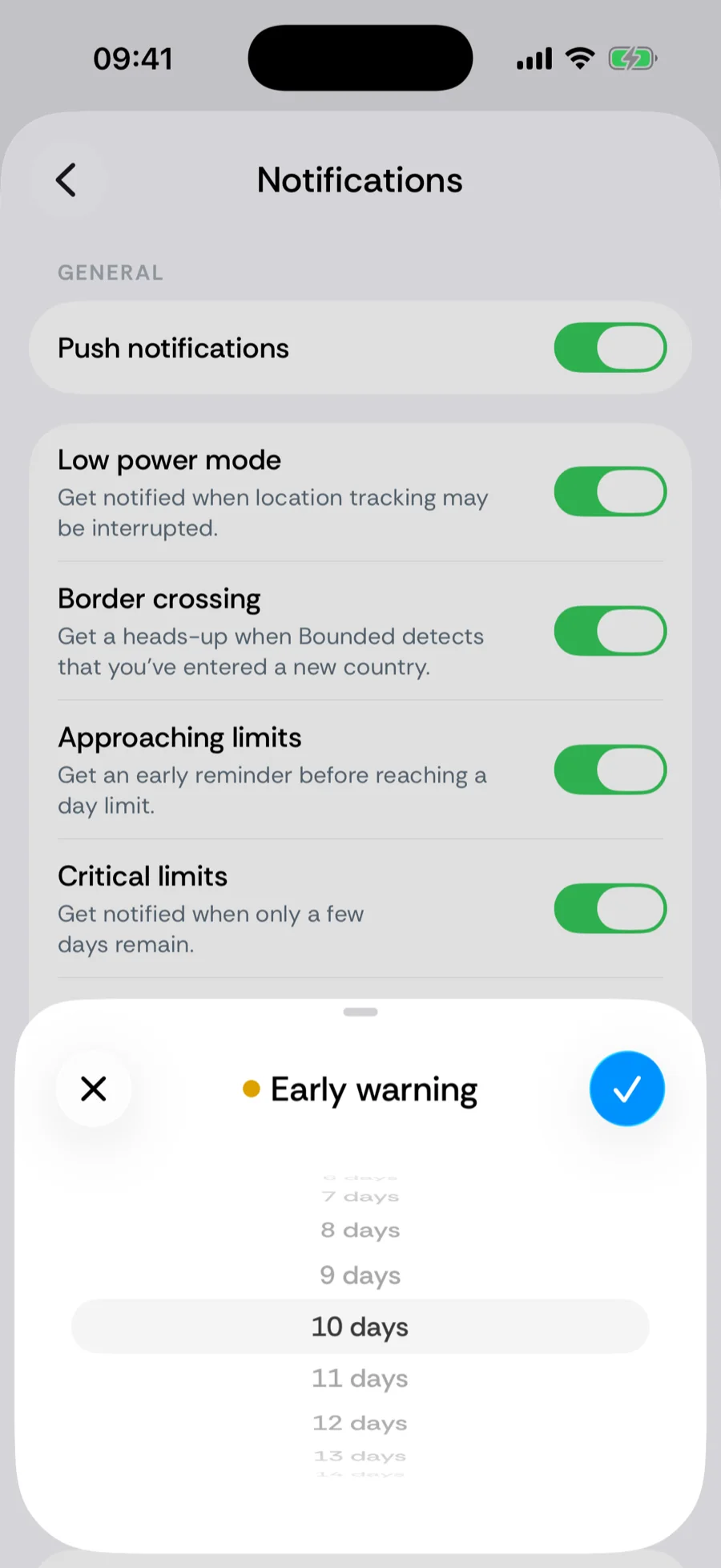
- Early warning — 10 days before the limit by default (5 for tight safe-harbor rules), adjustable from 1 to 60 days.
- Urgent warning — 3 days before by default, adjustable from 1 to 14 days and always closer to the limit than the early warning.
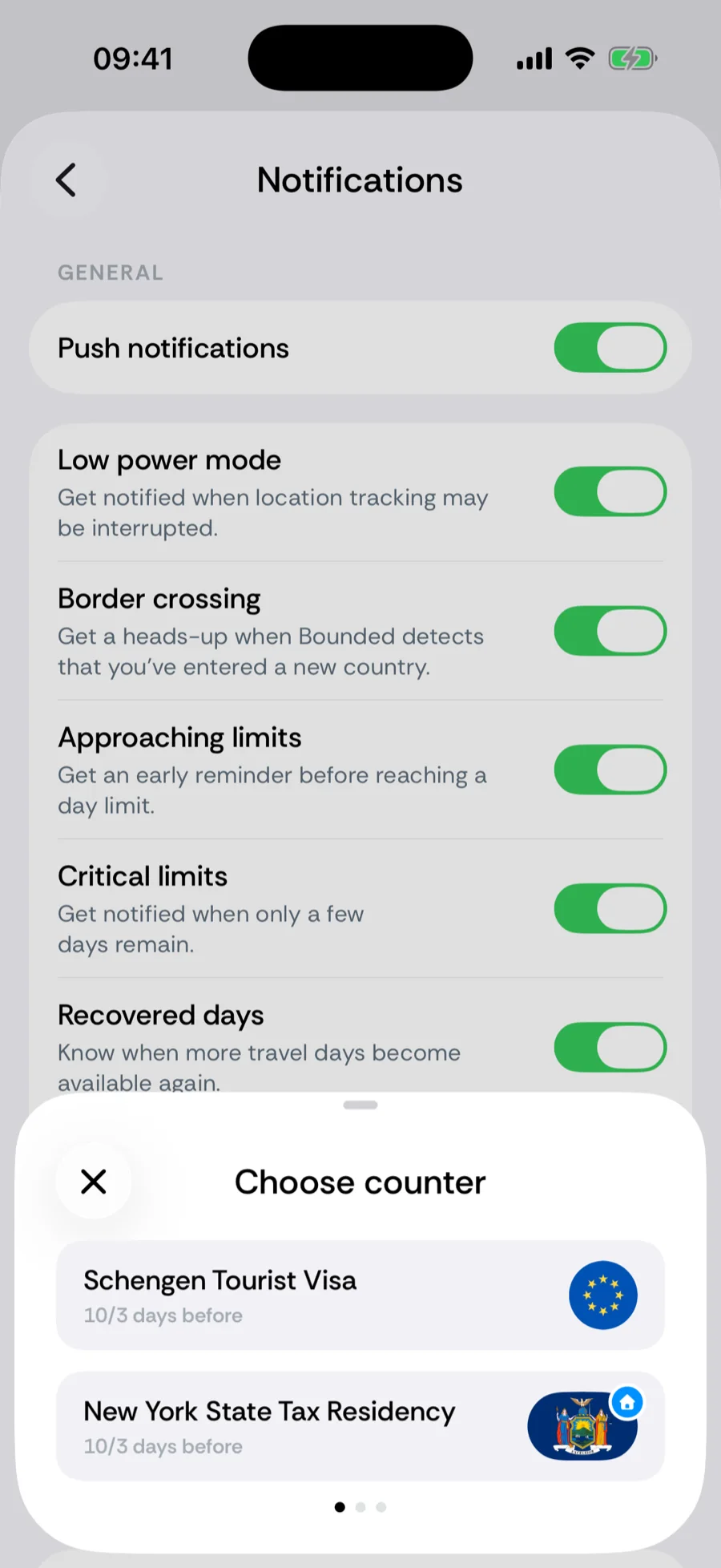
The defaults apply to every counter with a day limit or goal — the weighted US Substantial Presence Test and checklist counters get no limit warnings, only period-reset notices. If one rule deserves different headroom — say a residency counter where you want two weeks’ notice — tap Add specific timing, pick the counter, and set its own thresholds.
Not getting notifications?
- iOS permission was declined. Bounded cannot re-ask; enable it in iOS Settings → Apps → Bounded → Notifications, then check the in-app master toggle.
- The alert type is off. Each notification kind has its own switch under You → Settings → Notifications.
- Tracking is behind. Warnings are computed from your timeline — if tracking missed a trip, the counter (and its warning) will not know about it.
Related articles
Can’t find what you’re looking for? We answer every message.
Contact support