


Photo access: what Bounded reads
Bounded TeamUpdated July 15, 2026
The photo restore is Bounded’s most misunderstood permission — it sounds like “an app reading my camera roll.” Here is exactly what is read, what never is, and what the iOS access levels change.
What Bounded reads
- The GPS tag your camera attaches to each photo — a coordinate and a timestamp. That is the entire input.
- Coordinates are mapped to countries (and US states and cities) using an offline map bundled with the app — no lookup service, no network call.
What Bounded never touches
- The image content — nothing is analyzed, viewed, or processed beyond the metadata.
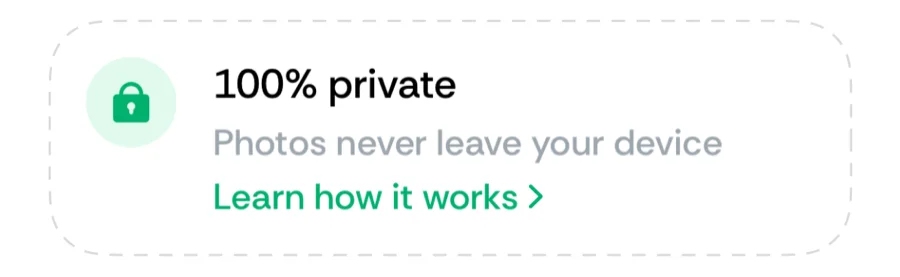
- Uploads — neither photos nor their metadata ever leave the device.
- Photos that are not your own captures — screenshots, AirDropped and saved images are filtered out, along with high-altitude flyover shots.
Full vs limited access
iOS lets you grant access to all photos or a limited selection. Bounded works with either — but the timeline can only be as complete as the photos it can see. With limited access, days whose photos fall outside your selection stay empty. For the most accurate history, grant full access; for the most privacy-conscious setup, limit it and fill the gaps yourself.
Change the level any time in iOS Settings → Apps → Bounded → Photos, then run Re-sync from photos to apply it.
Was this article helpful?
Related articles
Can’t find what you’re looking for? We answer every message.
Contact support