


Tracking missed a trip? How to fix it
Bounded TeamUpdated October 13, 2026
A trip missing from your timeline almost always traces back to one of a few causes. Work through them in order — and remember the record is always repairable.
Why a trip goes missing
- Location permission was downgraded. The most common cause: iOS periodically re-asks about background location, and one tap on “Change to Only While Using” silently stops border detection. Bounded flags this with a notification, Background tracking is off — if you saw it, this is your cause. Check iOS Settings → Apps → Bounded → Location is set to Always — details in location permissions.
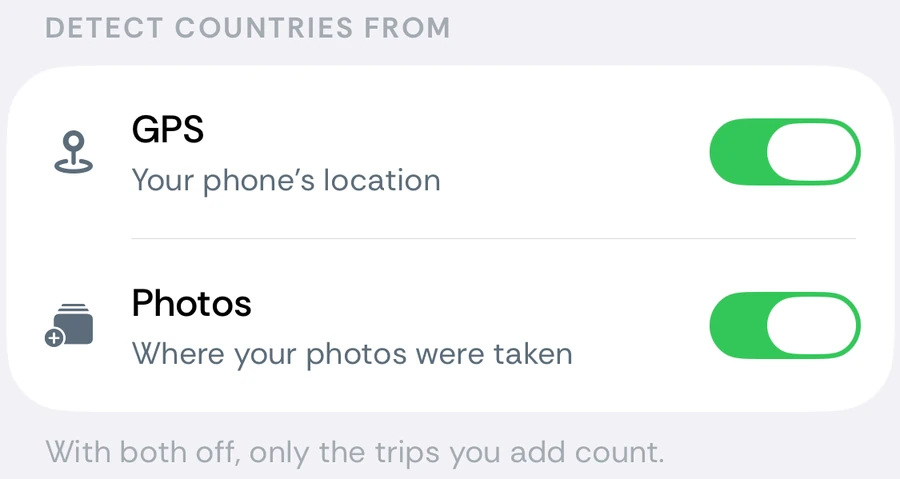
- GPS or Photos is switched off. Check the switches under You → Settings → Detect countries from. Days while GPS was off are left empty rather than filled in from the last country it saw.
- The phone had no signal to give. Airplane mode for the whole trip, the phone powered off, or very little movement after arrival — the system never produced a location event to wake Bounded with.
- The trip predates Bounded — automatic tracking starts when you enable it; earlier travel comes from photos, an imported file, or manual entry.
- You were at sea. Not a missed trip: days more than 25 km from any coast are recorded as International Waters (ship glyph) rather than a country. If a sailing or cruise shows up that way, the record is right — it counts as time outside every country.
Repairing the record
- 1Took photos on the trip? Run You → Your data → Re-sync from photos — the scan usually reconstructs the missed days from GPS tags alone.
- 2A whole period missing? If it lives in Google Timeline, Flighty, TripIt, or a spreadsheet, import the file (You → Your data → Import travel data, Premium) — you review every stay before it is saved, and the import never overwrites GPS days or manual edits.
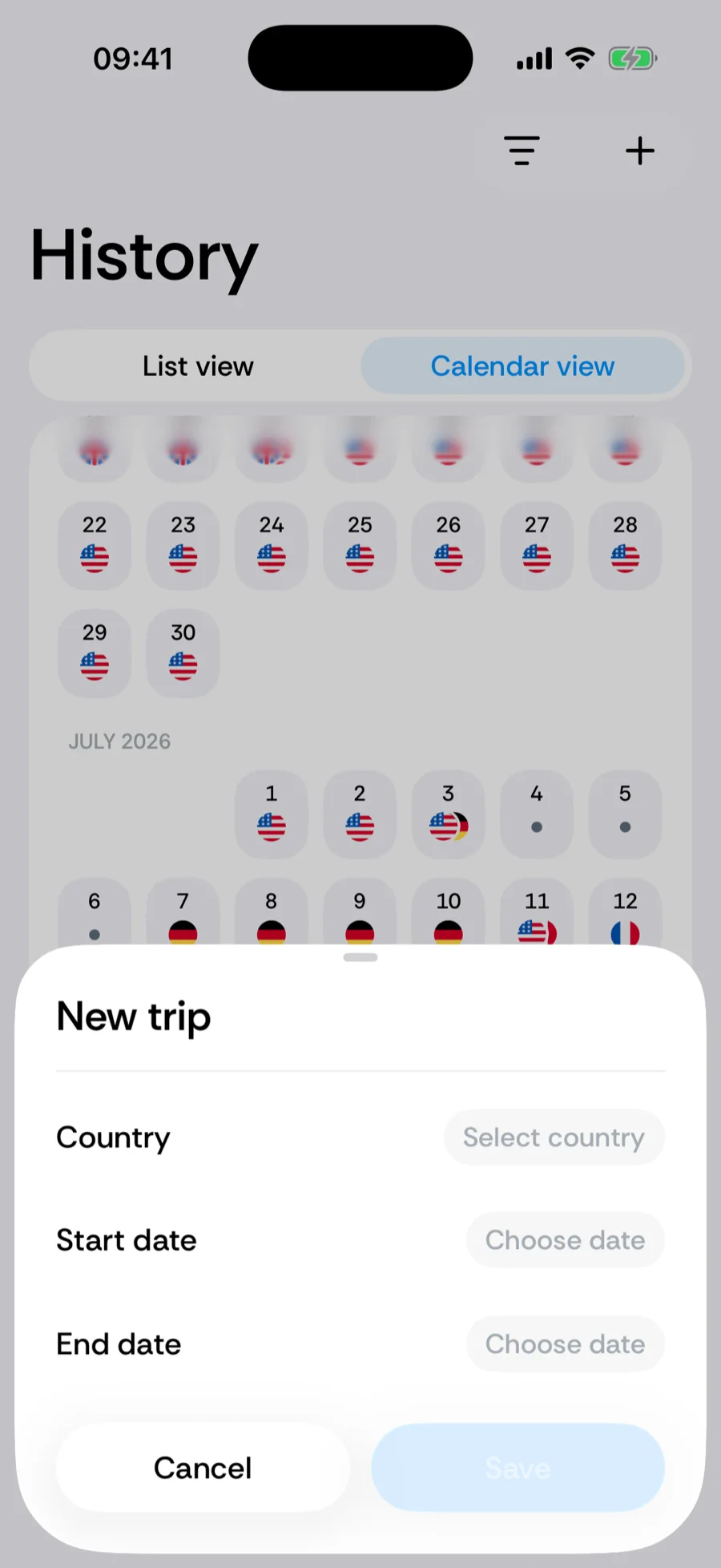
- 3No photos and no file? Add the trip manually — manual entries override everything, so this also fixes days recorded in the wrong country.
- 4Scattered empty days? Use the calendar’s tap-to-fill to close small gaps in place.
Was this article helpful?
Related articles
Can’t find what you’re looking for? We answer every message.
Contact support