


Where each day comes from: the five data sources
Every day in your timeline is backed by evidence, and Bounded remembers which kind. Five sources feed the record — and when they disagree about a day, a strict priority order decides.
The five sources
- Manual — trips you entered or edited yourself, including calendar gap fills and fixes made through the correction sheet.
- GPS — days logged by GPS tracking as you travel. The going-forward source: automatic and photo-independent.
- Imported — days brought in from a file through Import travel data: a Google Timeline export, a Flighty flight list, a TripIt or other .ics calendar, or a CSV. You review every stay before it is saved.
- Photo — days reconstructed by the photo scan from GPS tags on your pictures. Great for the past; only as dense as your photo habit.
- Planned — future days of a trip you planned ahead. A plan, not evidence: as each day arrives, any real data replaces it.
Who wins when they disagree
Manual beats GPS beats Imported beats Photo beats Planned. Your explicit word is always final — editing a day overrides whatever was detected. Live location beats a file, and a flight or location-history trace beats a photo’s tag, since a photo can be a saved image or an outlier while GPS reflects where the phone actually was. A planned day loses to everything, so a cancelled trip can never quietly become fact. In practice this means you can always fix the record, and automatic data can never undo your fix.
- A photo cannot outvote GPS on the days around it. If GPS has you in the same country on both sides of a photo’s day, up to about a week apart, a photo tagged in another country (one a friend shared, say) does not add that country — unless GPS that same day also saw it.
- Re-sync from photos rebuilds only the photo layer — manual, GPS, and imported days survive every re-scan.
- Import travel data never overwrites manual edits or GPS days; where a file disagrees with your photos, the row is unticked for you to decide.
- Erase auto-detected data (You → Settings → Data) removes the photo, GPS, and imported layers and keeps manual ones.
Where you can see the source
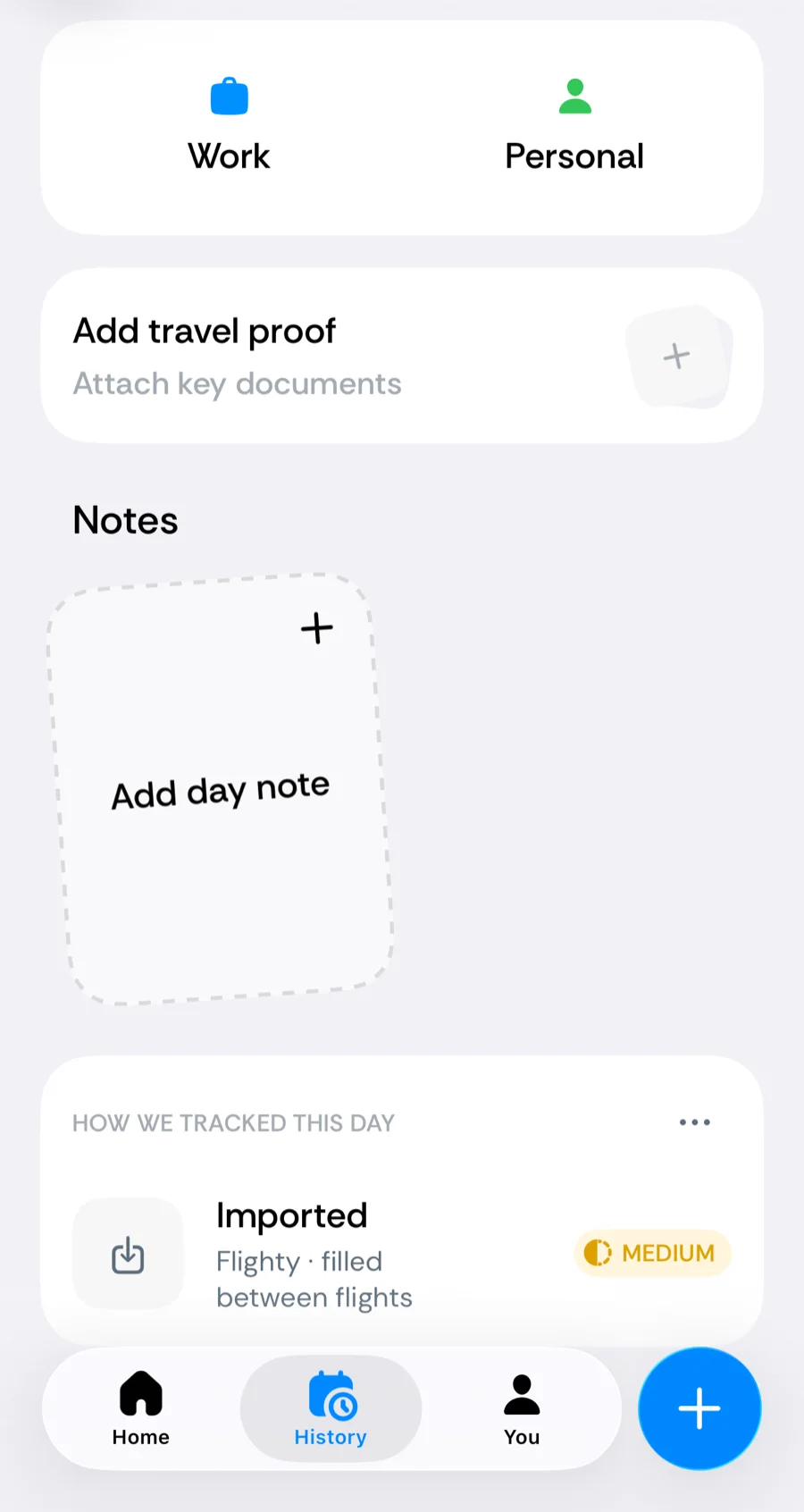
Open any day from the History calendar or a trip. The How we tracked this day card lists one row per source that contributed — GPS Tags, Photos, Manual edit, Imported (with the file and, for flights, the flight number) or Assumption for a day carried forward from its neighbors — each with a confidence badge. A future day of a planned trip shows a Planned trip card instead.
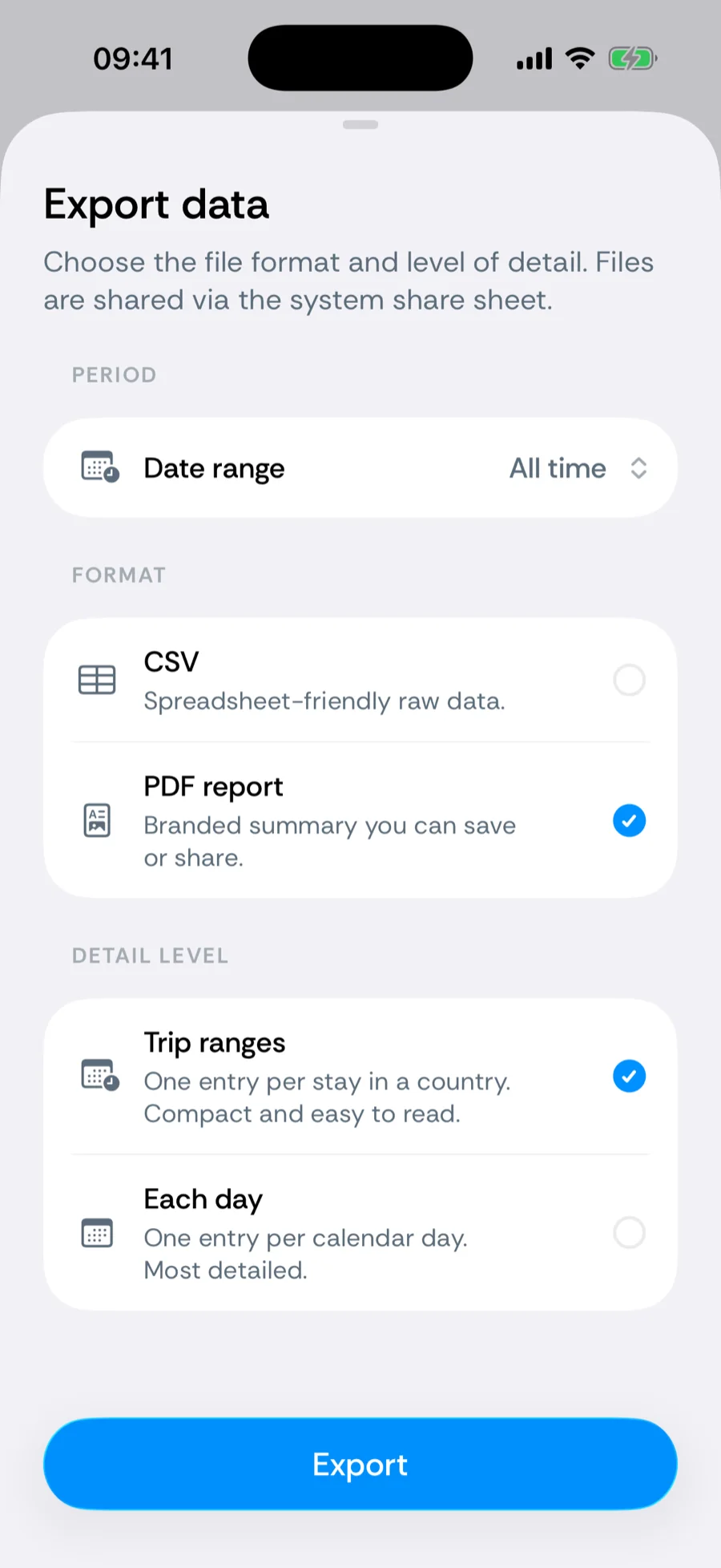
The day-by-day exports carry a source column with the same five values — Photo, GPS, Manual, Imported, Planned — per day, which is exactly what makes the record credible to a tax authority: it distinguishes evidence from recollection.
Related articles
Can’t find what you’re looking for? We answer every message.
Contact support