


Photo scan found nothing or missed trips?
Bounded TeamUpdated July 15, 2026
The photo restore can only read location tags that exist. When a scan comes back empty — or misses trips you definitely photographed — one of these is almost always the reason.
The usual causes, in order
- 1Your camera’s own location setting is off. The most common cause by far, and easy to miss: if the Camera app can’t access location, your photos never get GPS tags in the first place. Check iOS Settings → Privacy & Security → Location Services → Camera — it should be While Using the App with Precise Location on. This fixes future photos; past ones taken without tags stay untagged forever.
- 2Bounded has limited photo access. With a limited selection, the scan sees only the photos you picked. Grant full access (Settings → Apps → Bounded → Photos) and re-run Re-sync from photos — details in photo access explained.
- 3The photos aren’t in this library. History from an Android phone, photos living only in Google Photos, or a camera roll you cleared before switching devices — the scan can only read the iOS photo library on (or synced to) this iPhone.
- 4The photos never had GPS — shots from older cameras, imports, or trips where location was disabled.
- 5Photos is switched off. With the Photos switch off under You → Settings → Detect countries from, new photos add no days. Running Re-sync from photos turns it back on.
- 6GPS had you somewhere else. When GPS shows you in one country on both sides of a photo’s day, a photo tagged in another country does not add it — that is what keeps a friend’s shared photo from adding a trip you never took. If you really were there, add the day by hand.
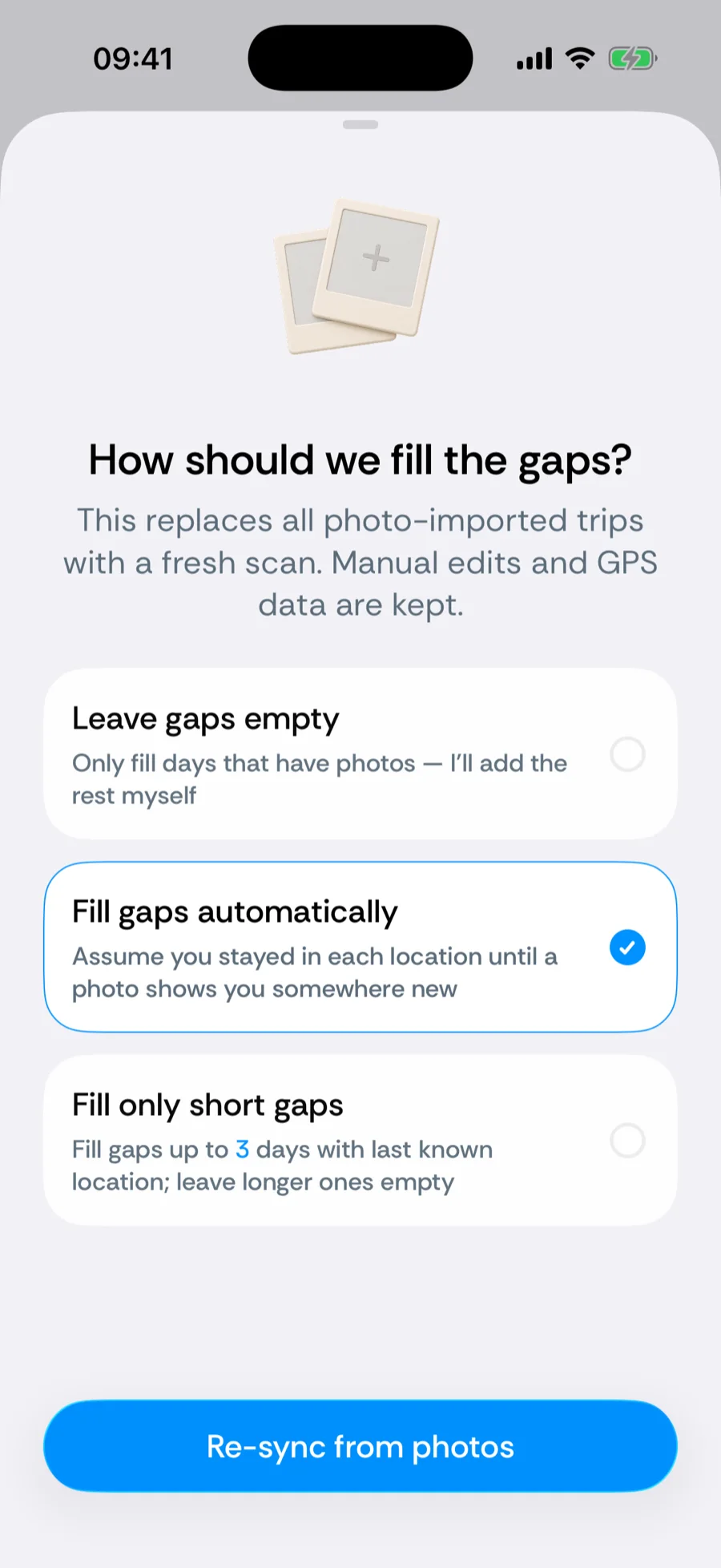
Filling what photos can't prove
For stretches with no usable photos, the record is still recoverable: add trips manually (they carry full weight — manual beats automatic), use the calendar’s tap-to-fill for scattered gaps, and keep GPS tracking on so everything from today forward is captured without photos at all.
Was this article helpful?
Related articles
Can’t find what you’re looking for? We answer every message.
Contact support