


The timeline editor: drag, pinch, and expand
Date pickers are precise but slow when what you really want to say is “a day earlier” or “the whole week, not just Monday”. Since Bounded 2.0 the trip editor includes a timeline strip: your trips drawn as capsules on a day grid, where you drag an edge to change a date, drag the body to move a trip, pinch to zoom, and expand to a full calendar when a trip spans months.
Where the strip appears
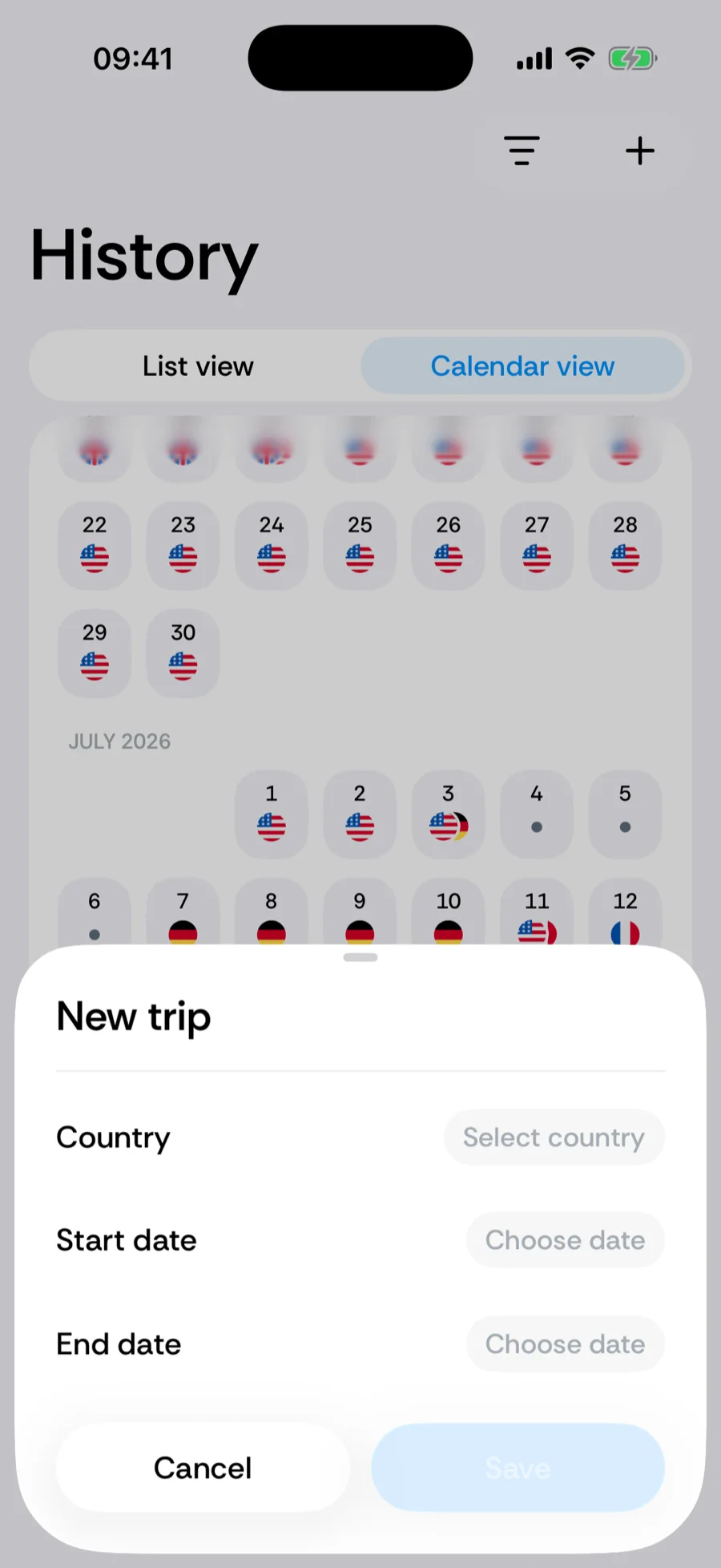
The strip sits at the top of the trip editor wherever it opens: the New trip sheet (from the tab-bar + or a tap on a day in History), the editor for an existing trip, and the trip review during onboarding and photo restore. The capsule of the trip you are editing is highlighted; the neighbouring trips are shown too, so you can see what a change bumps into. The date fields below and the strip are two views of the same draft — dragging updates the fields, and picking a date moves the capsule.
Gestures
- Drag an edge — each capsule has a grabber at both ends. Drag one to change the start or end date; it snaps to whole days with a light haptic tick per day. Hold the grabber near the edge of the screen and the strip auto-scrolls, so a trip can be extended well past the days currently visible. A trip can never be shorter than one day.
- Drag the body — drag the middle of the capsule to move the whole trip, keeping its length.
- Pinch — zoom the day scale in or out. Zoomed out, a year fits on screen; zoomed in, each day is wide enough to grab precisely. Bounded remembers your last zoom level.
- Tap a capsule — selects that trip for editing in the fields below. Edits already made to the previously selected trip stay pending until you save.
- Expand — the Expand timeline button opens the same draft as a full-screen calendar (see below); Collapse timeline brings you back.
The caption under the strip sums up the selected trip — 12 DAYS, or 12 DAYS · 5 PLANNED when part of it lies after today.
The expanded calendar
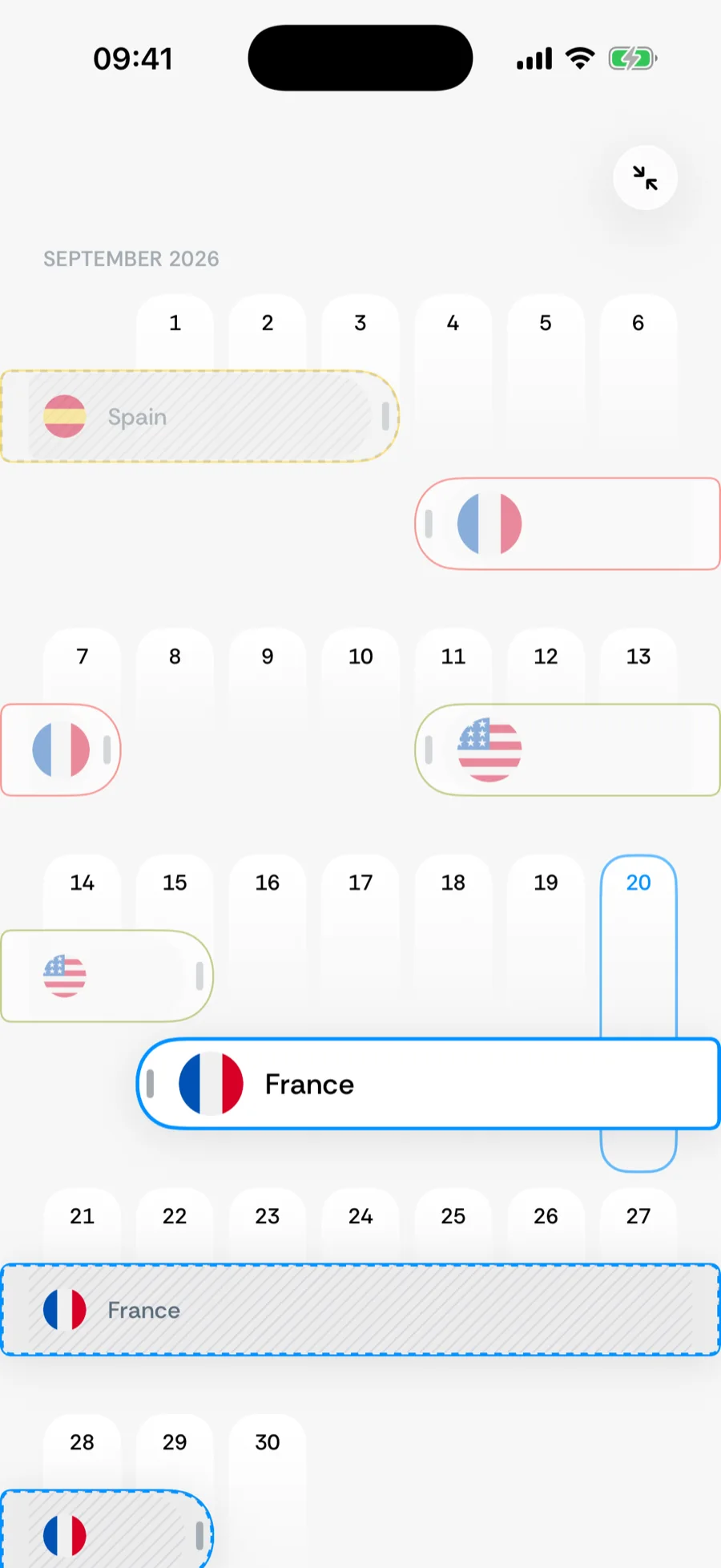
Expanding turns the horizontal strip into a vertically scrolling calendar: months as rows of weeks, with the same capsules laid over the days. Trips that overlap in time are packed into lanes — stacked rows inside a week — so nothing hides behind anything else; a week only grows as tall as it needs.
- A trip longer than a week is drawn as one segment per week row. Only the segments that own the trip’s real start and end carry a grabber; the rest run to the edge of the row, tied together by a shared ring colour.
- Drags follow the day under your finger, so pulling a grabber past the end of a row continues onto the next one. Holding near the top or bottom of the screen scrolls the calendar.
- Everything you change here is already on the strip when you collapse — and, like a drag on the strip, still needs the sheet’s Save.
Overlapping other trips
Other trips never block a drag. You can pull a capsule across a neighbour freely — a longer overlap is legitimate too, for instance a stay in one country that contains a week of day trips into another. On save, Bounded applies your edits in the order you made them; manual trips always override auto-detected days underneath, and where two manual trips still overlap, each of those days counts in both countries.
Saving
Nothing changes on your timeline until you tap Save. Every drag, move and date pick since you opened the editor — across all the trips you touched — is committed together; closing the sheet discards them. Swipe the sheet down with nothing changed and it simply closes; with edits pending, Bounded asks whether to discard them first. Counters recompute immediately after saving.
Related articles
Can’t find what you’re looking for? We answer every message.
Contact support