


Home base and Nomad mode
Your home base is the country Bounded treats as your default: when a day has no travel evidence — no geotagged photo, no GPS record, no manual trip — Bounded assumes you were home. That keeps your timeline complete without you logging the weeks you spend in one place.
What the home base changes
- Gap days count as home — days between trips fall to your home country instead of staying blank, so your yearly totals stay realistic.
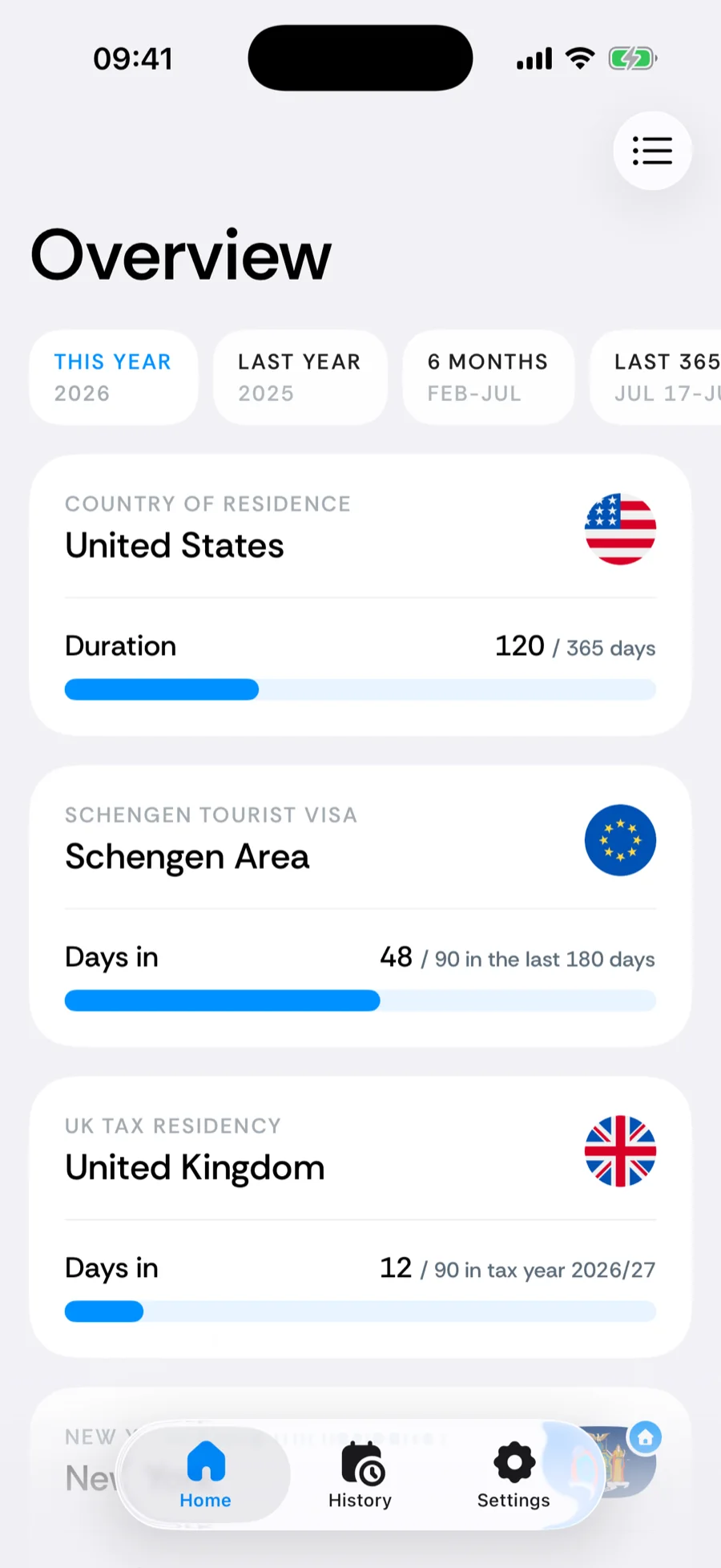
- The residence card — the top card on the Home tab shows your home country with a duration bar: how many days of the selected range you have actually spent there.
- Suggested counters — Bounded uses your home base (together with your goal) to suggest the ready-made counters that are most likely to matter to you.
Nomad mode
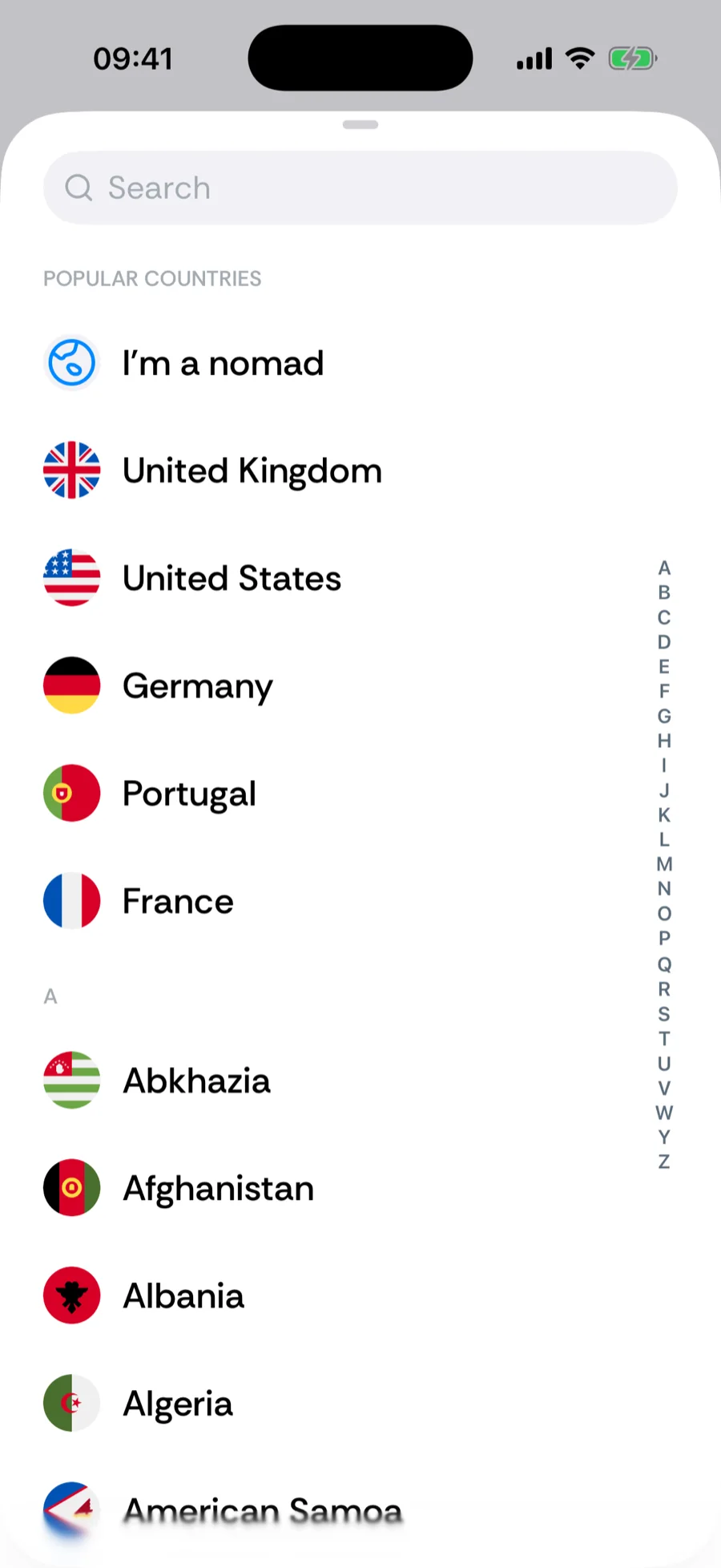
Fully nomadic, with no country you would call home? Choose Nomad instead of a country. Your timeline is then built purely from evidence — photos, GPS, and manual trips — and days without data stay empty rather than being credited to any country. The residence card shows a globe instead of a flag.
With Nomad mode it is worth keeping GPS tracking on and filling gaps promptly, since there is no default country to absorb unaccounted days.
Changing your home base
Open the You tab and tap the home-base header at the top, then pick a new country (or Nomad). The change applies to how future gap days are attributed; your recorded trips are untouched. If you relocate permanently, this is the one setting to update.
Related articles
Can’t find what you’re looking for? We answer every message.
Contact support